
Finding your Coinbase Transaction ID (also known as a TxID or hash) is essential when tracking cryptocurrency transfers, resolving disputes, or verifying payments on the blockchain. Whether someone sent crypto to another wallet, received funds, or needs proof of a completed transaction, the Transaction ID serves as a unique digital fingerprint for that transfer.
TLDR: To find a Coinbase Transaction ID, log in to your account, open your transaction history, select the specific transaction, and view the transaction details. The TxID is listed within the detailed view and can be copied for sharing or tracking on a blockchain explorer. The process is similar on both desktop and mobile, though the layout differs slightly. For advanced tracking, the TxID can be pasted into a blockchain explorer for confirmation.
What Is a Coinbase Transaction ID?
A Transaction ID (TxID) is a unique string of letters and numbers assigned to every cryptocurrency transaction recorded on a blockchain. It functions like a tracking number. Once a cryptocurrency transfer is processed, the blockchain generates this code as proof the transaction exists and has been validated.
Unlike traditional bank transfers, cryptocurrency transactions are recorded publicly on decentralized ledgers. Anyone with the TxID can verify the transaction’s status, confirmation count, timestamp, sending address, and destination address.
Common reasons someone might need a Coinbase Transaction ID include:
- Confirming a payment was sent
- Providing transaction proof to a merchant
- Resolving missing deposit issues
- Tracking confirmations on the blockchain
- Filing a support ticket with detailed reference
How to Find Your Coinbase Transaction ID on Desktop
Locating the TxID on Coinbase using a desktop browser is straightforward. The interface clearly displays transaction history and details.
Step 1: Log in to Coinbase
Visit the official Coinbase website and log into the account using email and password credentials. Complete two-factor authentication if prompted.

Step 2: Open Transaction History
After logging in:
- Click on “Assets” from the left-hand menu.
- Select the cryptocurrency involved in the transaction.
- Scroll down to view recent transaction activity.
Coinbase lists transactions including buys, sells, sends, receives, and conversions.
Step 3: Select the Specific Transaction
Click on the relevant transaction from the list. This opens a detailed transaction summary page.
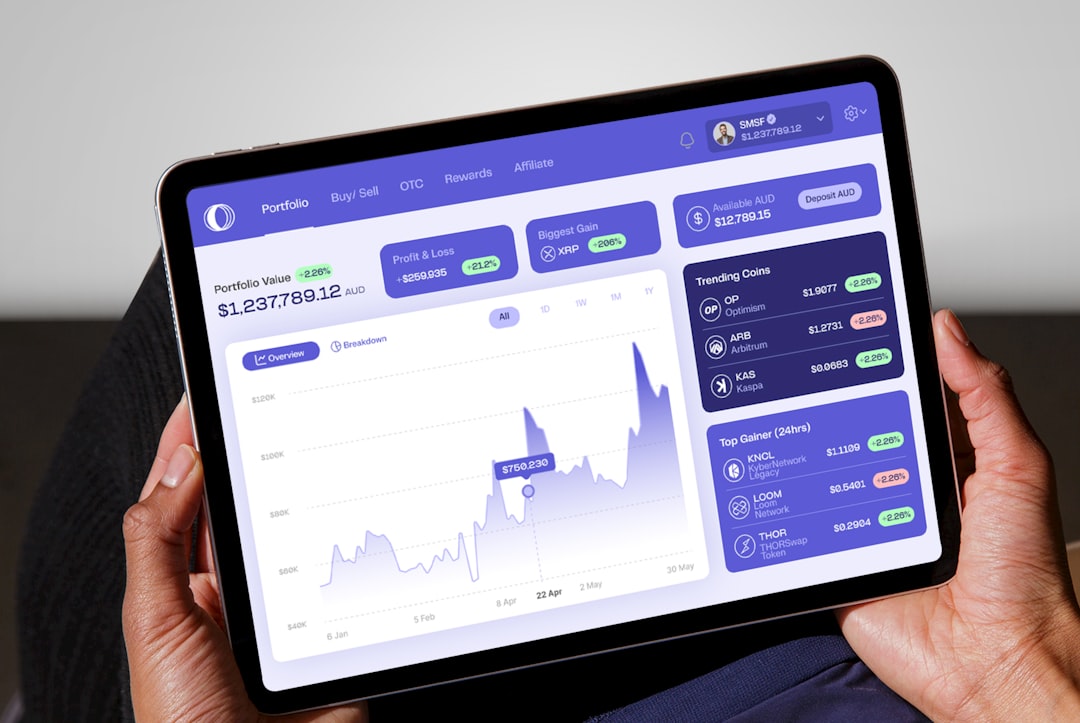
Step 4: Locate the Transaction ID (TxID)
Within the transaction details, look for a section labeled:
- Transaction Hash
- Transaction ID
- View on block explorer
The TxID appears as a long alphanumeric string. Users can click the copy icon next to it to copy it to the clipboard.
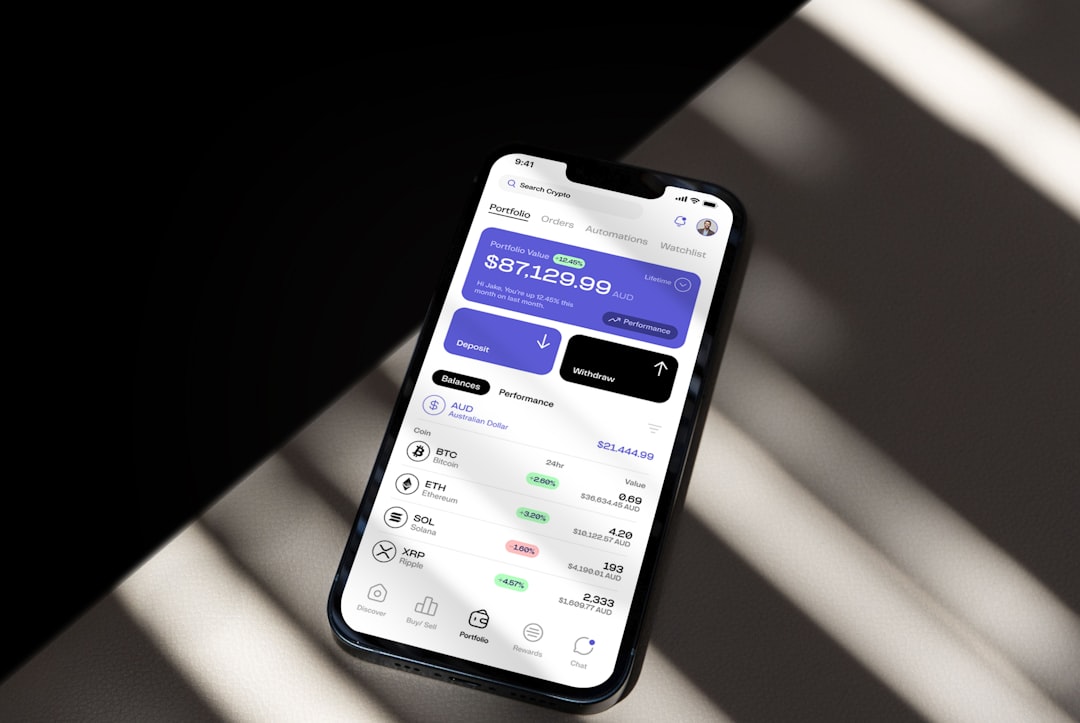
How to Find Your Coinbase Transaction ID on Mobile (iOS and Android)
The Coinbase mobile app provides similar steps, though menu placement may differ slightly depending on operating system updates.
Step 1: Open the Coinbase App
Launch the Coinbase mobile app and log in if necessary.
Step 2: Tap “Assets”
At the bottom of the screen:
- Tap “Assets”.
- Select the cryptocurrency that was used in the transaction.
Step 3: Tap the Transaction
Scroll through the transaction list and tap the specific send or receive entry.
Step 4: View Transaction Hash
In the detailed view, scroll down until the Transaction Hash appears. Users can:
- Copy the TxID directly
- Tap “View on block explorer” to see it externally
Tip: If the TxID does not appear immediately, ensure the transaction is fully processed. Pending transactions may not yet display a confirmed hash.
How to Track a Coinbase Transaction Using the TxID
After copying the TxID, it can be used to verify the transaction on a blockchain explorer. A blockchain explorer is a public search engine for cryptocurrency transactions.
Steps to track:
- Copy the Transaction ID from Coinbase.
- Open a blockchain explorer that matches the cryptocurrency network (for example, one specific to Bitcoin or Ethereum).
- Paste the TxID into the search bar.
- Review transaction status, confirmations, and wallet addresses.
This method allows users to independently confirm:
- Number of confirmations
- Transaction fee paid
- Block height
- Timestamp
- Sending and receiving addresses
Where Transaction IDs Appear for Different Transaction Types
Not all Coinbase activities generate the same type of ID. The difference depends on whether the action occurred on-chain or internally within Coinbase.
| Transaction Type | Has Blockchain TxID? | Where to Find It |
|---|---|---|
| Send to external wallet | Yes | Transaction details page |
| Receive from external wallet | Yes | Transaction details page |
| Buy crypto with bank card | No blockchain TxID until sent | Order confirmation page |
| Convert crypto within Coinbase | No public TxID | Conversion history record |
| Transfer between Coinbase users | Usually off-chain | Internal reference number only |
Important: Internal Coinbase transfers may not generate a public blockchain hash because they occur off-chain within Coinbase’s system.
Common Issues When Searching for a Coinbase Transaction ID
1. Transaction Is Still Pending
If the transfer hasn’t been confirmed by the blockchain, the TxID may be temporarily unavailable. Waiting for network confirmation often resolves this.
2. Looking at the Wrong Asset
Users sometimes check the wrong cryptocurrency wallet. TxIDs are asset-specific, so ensure the correct network is selected.
3. Confusing Order ID With Transaction Hash
Coinbase provides order confirmations for purchases, which are not blockchain TxIDs. Only on-chain transactions generate a true Transaction Hash.
4. Using Coinbase Wallet Instead of Coinbase Exchange
The Coinbase Wallet app operates separately from Coinbase’s main exchange account. Each has its own transaction history and TxID location.
Security Considerations When Sharing a Transaction ID
A Transaction ID alone does not provide access to funds. However, users should still exercise caution.
- Never share private keys or recovery phrases
- Only provide the TxID when necessary for verification
- Be cautious of phishing attempts requesting additional wallet information
The TxID is safe to share for tracking purposes, but sensitive login credentials are never required to confirm a blockchain transfer.
Why Transaction IDs Matter in Disputes and Support Cases
When contacting Coinbase Support regarding a missing deposit or delayed withdrawal, the Transaction ID accelerates investigation. Support teams often request:
- The TxID
- Cryptocurrency type
- Date and time of transaction
- Amount sent
Providing the TxID reduces back-and-forth communication and allows precise blockchain tracking.
FAQ: Where to Find Your Coinbase Transaction ID
1. Is a Transaction ID the same as a hash?
Yes. The terms “Transaction ID,” “TxID,” and “transaction hash” are used interchangeably. They all refer to the unique alphanumeric identifier assigned to a blockchain transaction.
2. Why can’t I find a TxID for my crypto purchase?
Buying crypto with a debit card or bank transfer does not immediately generate a blockchain TxID. A TxID is created only when crypto is sent on-chain to an external wallet.
3. How long does it take for a TxID to appear?
Typically, the TxID appears shortly after the transaction is broadcast to the blockchain network. However, network congestion can delay confirmation visibility.
4. Can I track a Coinbase transaction without the TxID?
No. The TxID is required to search for a transaction directly on a blockchain explorer. Without it, tracking becomes significantly more difficult.
5. Is it safe to share my Coinbase Transaction ID?
Yes. A TxID does not grant access to funds. It only allows public viewing of transaction details already recorded on the blockchain.
6. What if the transaction shows completed in Coinbase but not on the blockchain?
This can occur with internal Coinbase transfers that happen off-chain. In such cases, no public blockchain record exists.
7. Does every cryptocurrency use a Transaction ID?
Yes. All blockchain-based cryptocurrencies generate unique transaction hashes, although formatting and explorer tools vary by network.
Finding a Coinbase Transaction ID is a simple but powerful skill for anyone using cryptocurrency. By navigating to transaction history, selecting the specific record, and locating the TxID in the detailed view, users gain full transparency into blockchain activity. Whether resolving payment disputes, confirming delivery, or tracking confirmations, the TxID serves as the definitive proof that a crypto transaction occurred.

I’m Sophia, a front-end developer with a passion for JavaScript frameworks. I enjoy sharing tips and tricks for modern web development.
