
No one enjoys sitting in a waiting room, and delays affect your patients and your team. When schedules fall behind, stress builds fast, and the experience suffers.
The good news is that most waiting room issues are preventable. With the right tools, you can manage flow, reduce bottlenecks, and keep appointments moving.
Here are seven tools that each fix a different part of the waiting room process.
1. Qminder: Queue Management and Patient Flow
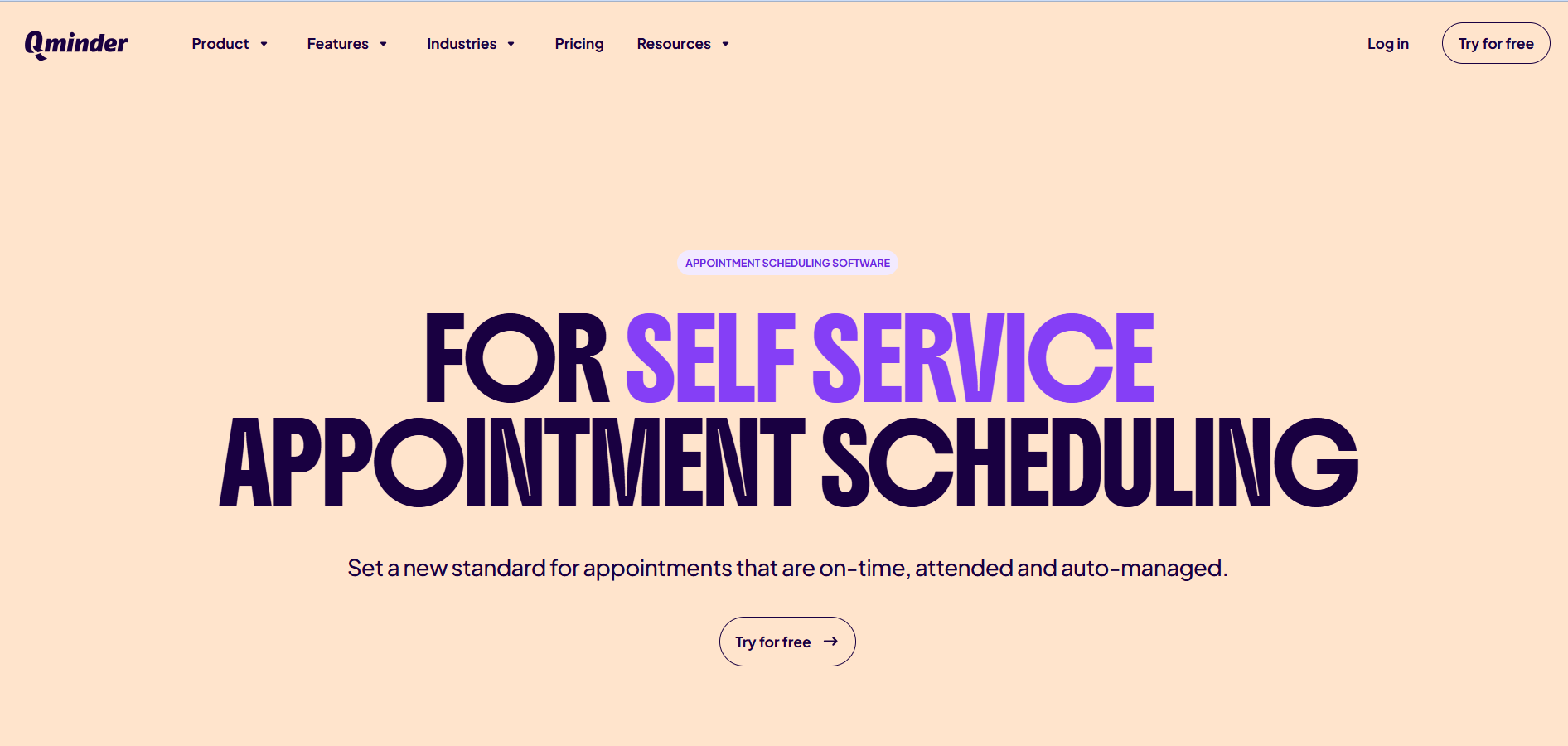
When patients do not know where they stand in line, frustration builds. Qminder solves that with a digital queue for both walk-ins and scheduled visits, and Qminder appointment scheduling helps clinics manage planned visits alongside real-time patient flow.
Patients check in through an iPad, web link, or QR code, choose their reason for visiting, and get SMS updates on wait time. Your team sees everything on a live dashboard and assigns patients without confusion. It is HIPAA-compliant and SOC 2 Type II certified, and includes analytics for wait times and patient volume.
- Best for: Clinics, labs, and hospitals that need to manage walk-in traffic alongside scheduled appointments.
- Standout feature: iPad kiosk check-in with real-time SMS updates and analytics that track wait times by provider and service type.
- Pricing: Starts at $389/month. 14-day free trial available.
2. Noterro: Waitlist Management and Arrival Tracking
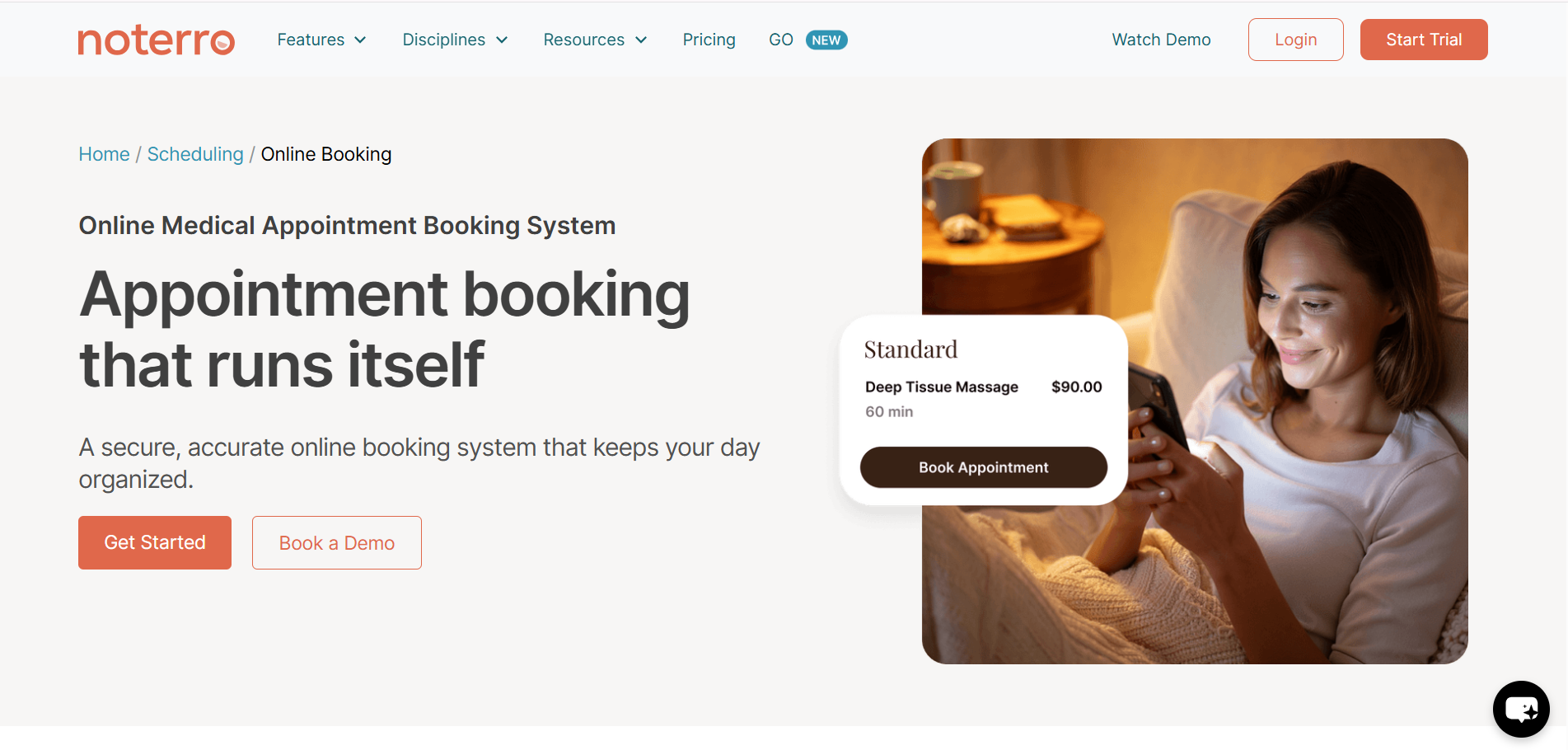
If your clinic still manages cancellations and no-shows manually, you already know the headache. Noterro’s online appointment booking system helps clinics manage scheduling more efficiently with automated booking, reminders, and smart waitlists that keep calendars full. Its waitlist feature is especially useful for filling sudden openings.
When a patient cancels, Noterro automatically notifies the next person on the waitlist—no sticky notes. The slot gets filled before you even notice the gap.
Noterro also offers real-time arrival tracking. Your front desk sees exactly who has checked in and who is still en route. That alone cuts confusion and keeps your day on schedule. Add online booking, automated reminders, and a patient-facing app, and you have a system that handles administrative tasks, so your team can focus on care.
Best for: Solo practitioners and small- to mid-sized clinics that need scheduling, waitlists, and patient communication on a single platform.
Standout feature: Automatic waitlist notifications that fill cancelled slots without any manual effort from your team.
Pricing: Starts at $28.05/month. 14-day free trial with no credit card required.
3. Klara: Patient Communication and Call Reduction
Front desk teams spend hours handling calls that could be texts. Klara centralizes patient communication into one HIPAA-compliant thread.
Texts, web chats, voicemails, and calls appear in a single inbox tied to each patient. Patients reply directly to a text without downloading an app. Automated reminders and follow-ups reduce phone volume and help prevent no-shows.
- Best for: Practices across 40+ specialties that want to reduce phone volume and centralize patient communication.
- Standout feature: Single conversation thread for every patient that combines texts, web chat, voicemail, and automated outreach.
- Pricing: Custom pricing based on practice size and features. Free demo available.
4. Kommunicate: AI Chatbot for Patient Support
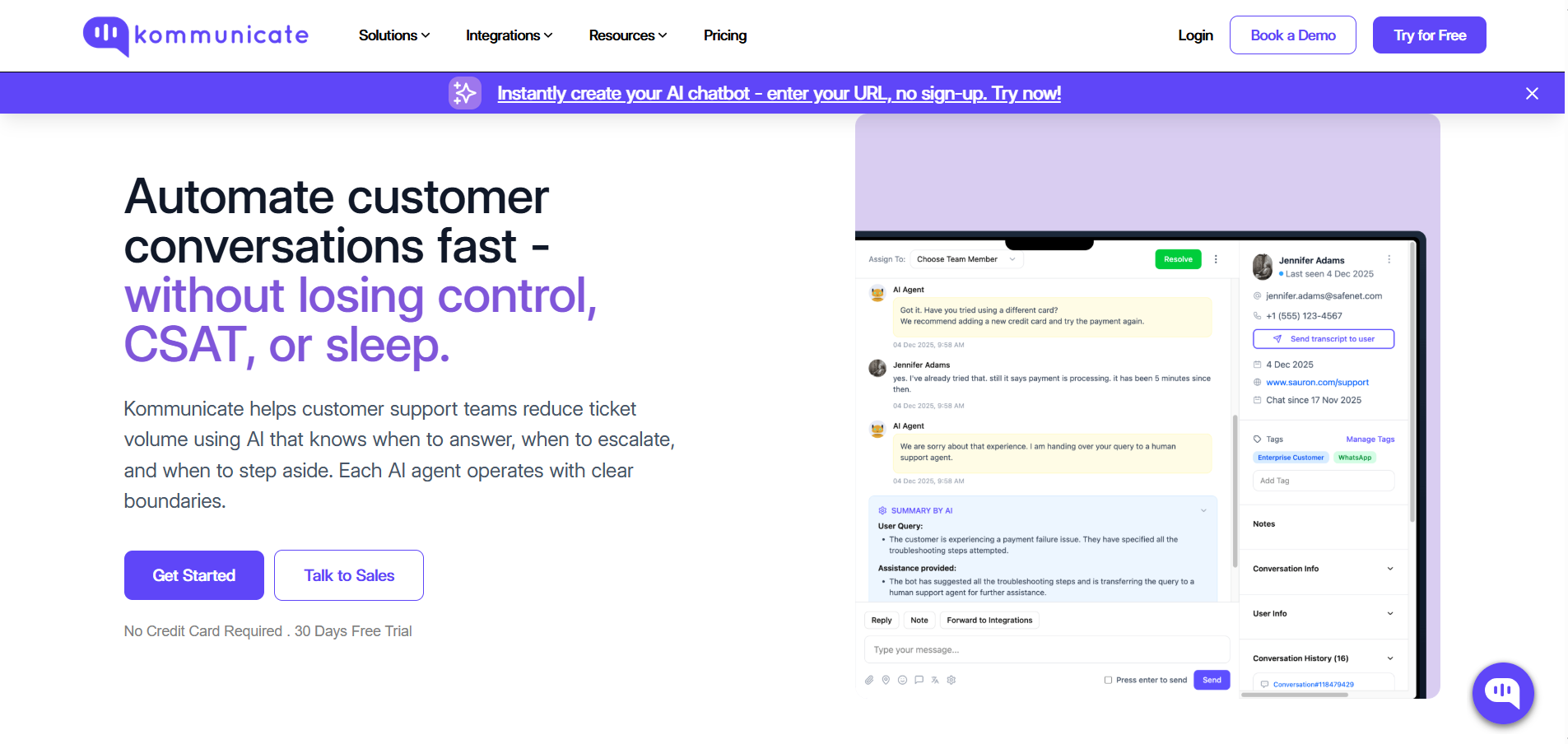
Patients have questions outside office hours: clinic hours, appointment availability, billing details, and pre-visit instructions. An AI chatbot can handle all of that without putting extra work on your team.
Kommunicate is a no-code chatbot platform well-suited for healthcare clinics. You can deploy it on your website or patient portal in minutes. It answers routine questions, helps patients book appointments, and hands off complex conversations to a live team member when needed.
The platform supports over 100 languages and is HIPAA-compliant. It is a practical fit for clinics that want to reduce front-desk inquiries without investing in a full enterprise solution.
- Best for: Small to mid-sized practices seeking fast, no-code chatbot deployment to handle routine patient questions.
- Standout feature: Smart escalation that hands off complex conversations to a live agent when the chatbot cannot resolve the issue.
- Pricing: Starts at $100/month. Free trial available.
5. Phreesia: Digital Patient Intake and Self-Check-In
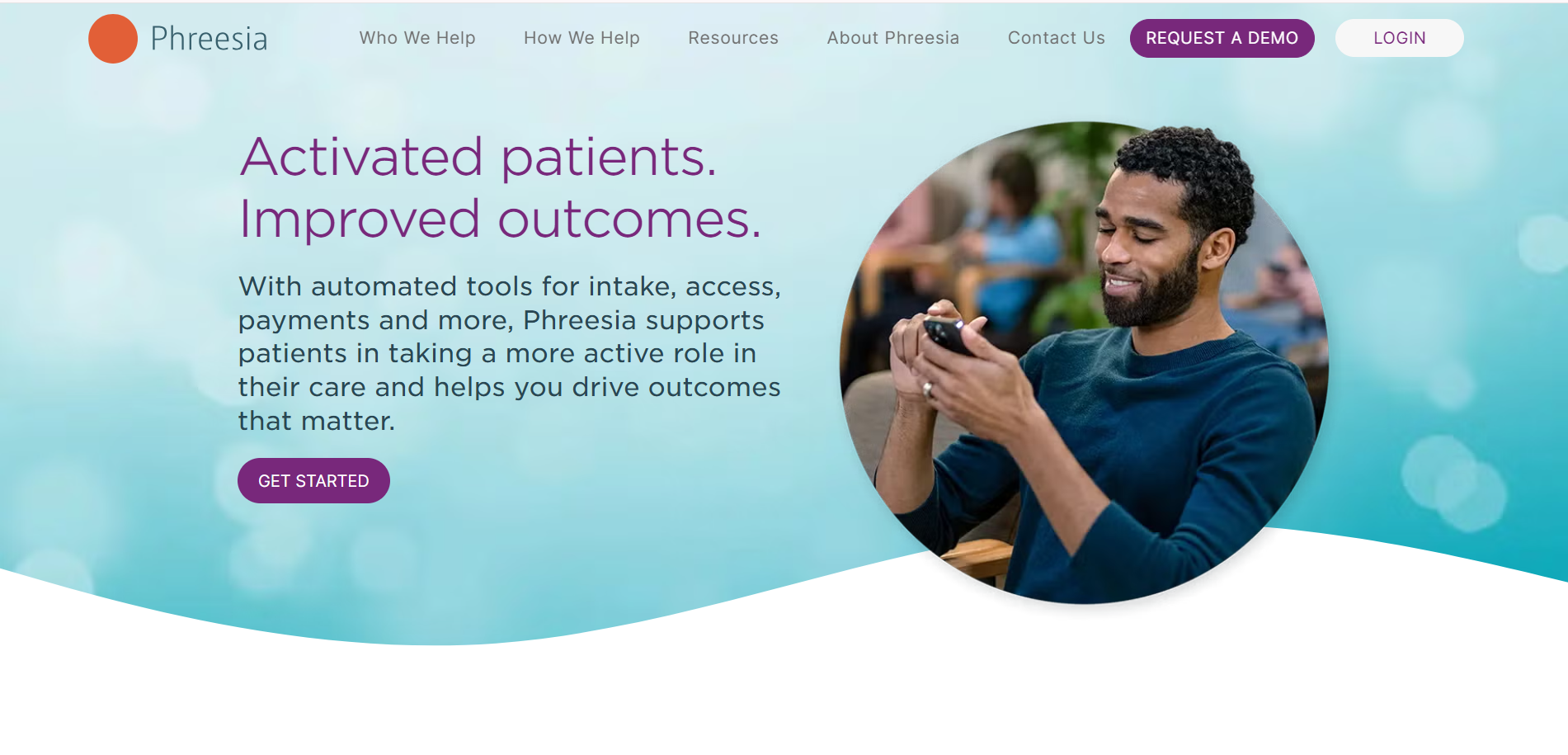
Paper intake forms slow down your front desk and create extra data entry. Phreesia replaces that process with a digital intake completed before the visit.
Patients fill out forms on their phones, insurance is verified automatically, and copays are collected at check-in. By the time they arrive, they are ready to be seen.
Across their network, 85% of patients check themselves in. That saves over five minutes of staff time per visit. For a clinic seeing 30 patients a day, that is over 2.5 hours saved daily. Phreesia also works with iPads as in-office kiosks for patients who prefer to check in on-site.
- Best for: Mid-sized to large practices that need to automate registration, insurance verification, and payment collection.
- Standout feature: Pre-visit digital intake with automatic insurance verification and copay collection before patients arrive.
- Pricing: Custom pricing based on practice size and modules. Demo available on request.
6. OhMD: HIPAA-Compliant Patient Messaging
Communication gaps often lead to delays and missed follow-ups. OhMD provides secure, two-way texting that works directly through a patient’s regular SMS inbox.
Patients reply without downloading an app, and your team manages messages in one place. The platform supports automated reminders, broadcast messaging, and video visits, and integrates with major EHR systems to keep communication connected to patient records.
- Best for: Practices seeking a lightweight, HIPAA-compliant texting solution with no complex setup.
- Standout feature: App-free two-way texting. Patients reply directly from their native SMS without downloading anything.
- Pricing: Free basic plan available. Paid plans start at $150/month.
7. Waitwhile: Appointment Scheduling with Real-Time Analytics
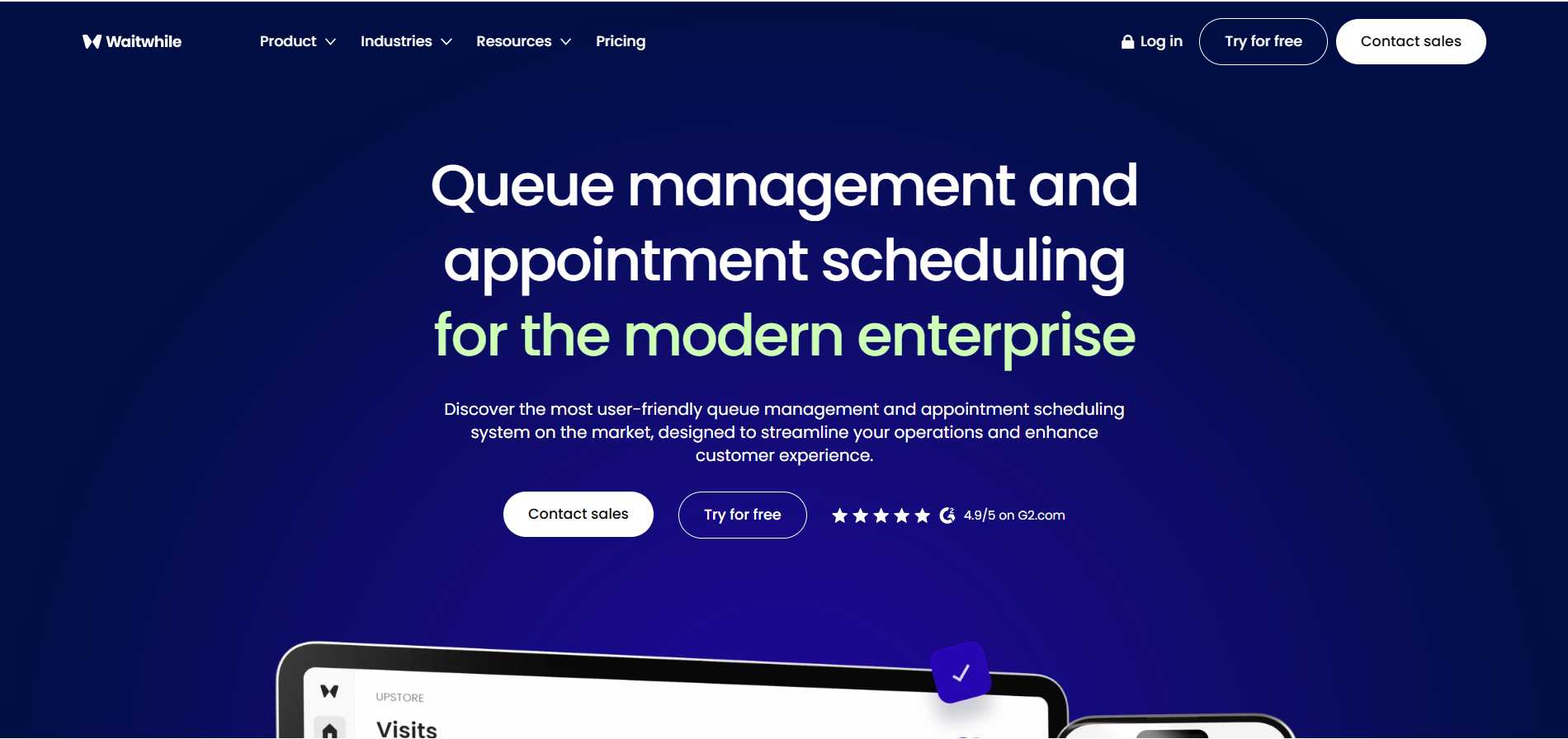
You cannot improve patient flow if you cannot see where time is lost. Waitwhile combines scheduling with analytics that highlight delays and no-show patterns.
It manages walk-ins and advance bookings in one system and sends automated confirmations, reminders, and follow-ups through SMS, email, or web chat. Its dashboard tracks wait times, patient flow, and no-show rates across locations, helping you adjust staffing and reduce bottlenecks.
- Best for: Multi-location clinics that need unified scheduling and waitlist management with data-driven insights.
- Standout feature: Analytics dashboard tracking patient flow, average wait times, and no-show rates across all locations in real time.
- Pricing: Free plan for up to 100 visits per month. Paid plans start at $29/month.
Picking the Right Tools for Your Clinic
Every clinic struggles with something different. It could be last-minute cancellations, a packed lobby, or a front desk drowning in calls and paperwork.
Each tool on this list solves a specific problem. You do not need all of them. Start with the one that fixes your biggest bottleneck, then improve step by step.
Even small changes in how your waiting room runs can ease pressure on your team and create a better experience for patients.

I’m Isabella Garcia, a WordPress developer and plugin expert. Helping others build powerful websites using WordPress tools and plugins is my specialty.
