
Creating a professional business card no longer takes days of back-and-forth with a designer. The right tools let you go from blank canvas to print-ready card in minutes, without sacrificing quality or creativity.
But not every business card maker lives up to that promise. Some lock you into cookie-cutter layouts, others make simple edits feel unnecessarily complicated, and a few charge premium prices for results that look anything but premium.
We evaluated the top tools available today to find which ones genuinely deliver speed, design quality, and ease of use all in one place.
Here is what we found.
| Tool | Speed | Quality | Editing | Ecosystem | Total |
| Design.com | 25 | 25 | 25 | 25 | 100 |
| BrandCrowd | 23 | 24 | 24 | 24 | 95 |
| Canva | 23 | 23 | 22 | 22 | 90 |
| Adobe Express | 22 | 22 | 21 | 20 | 85 |
| VistaPrint | 21 | 20 | 20 | 19 | 80 |
| Moo | 20 | 22 | 19 | 19 | 80 |
Quick Summary
- Best overall: Design.com — the fastest business card maker we tested, going from blank canvas to a polished, print-ready design in minutes. Generous template library, intuitive editing, and a strong ecosystem to match.
- Best runner-up: BrandCrowd — a close second with excellent design quality and editing flexibility. A great pick if you want more creative control without sacrificing speed.
- Best free option: Canva — completely free to start, with a solid range of templates and a familiar drag-and-drop interface. Output quality takes a slight hit compared to dedicated card makers, but hard to beat at zero cost.
- Best for print quality: Adobe Express — if getting the physical card just right matters most, Adobe Express leads on printing capabilities, even if it’s a little slower to work with.
- Best for premium cards: Moo — the tool delivers exceptional print quality and unique finishes.
- Best for ordering: VistaPrint — the go-to if you want design and printing handled in one place. A reliable end-to-end option for small businesses that just want cards in hand fast.
1. Design.com — Best Overall Business Card Maker
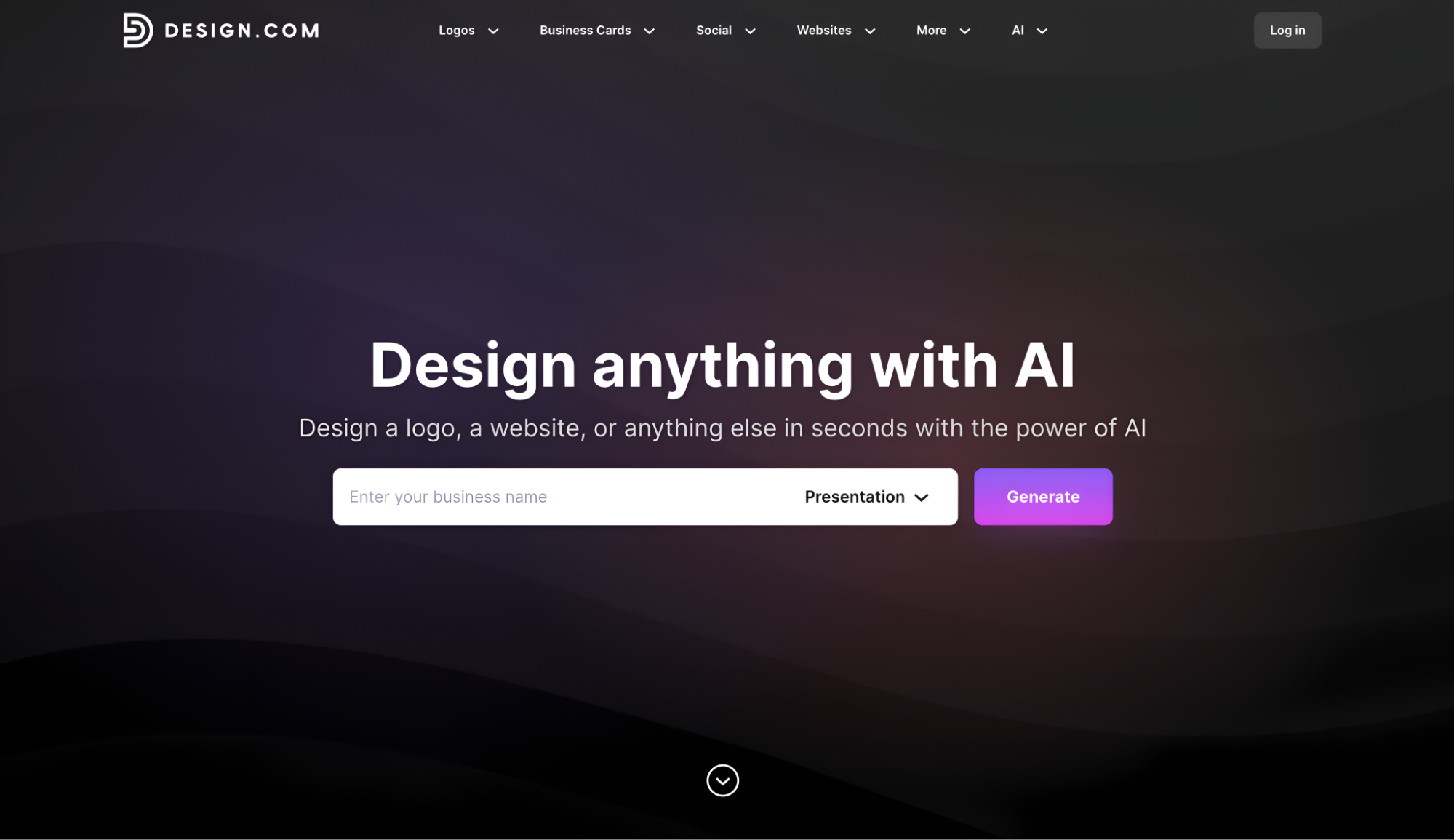
Design.com’s business card generator earns the top spot by delivering stunning design quality, an enormous template library, and a branding ecosystem that keeps your entire identity consistent, all without slowing you down. Getting from blank slate to print-ready card takes minutes, not hours.
Design Quality — Exceptional. Flip through any category, and the standard barely drops. The cards carry a crafted, intentional look that feels tailored rather than assembled — the kind of quality you would expect from a designer, not a template picker.
See the images that show the range and quality of Design.com’s business card designs across different industries. From freelance photographers to food brands, you’ll find something right.
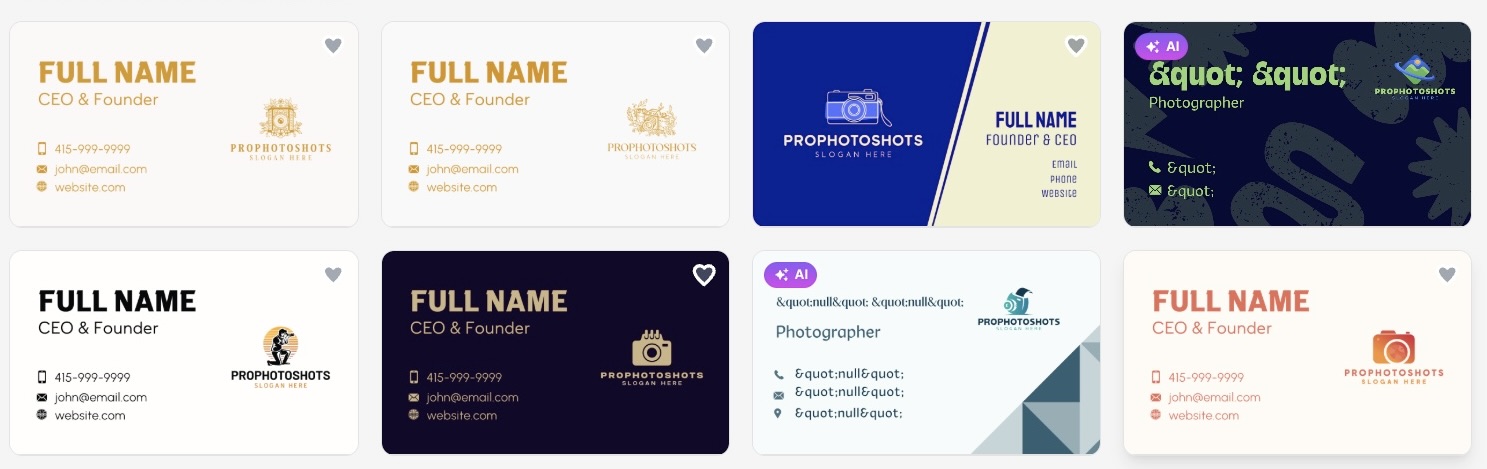
Scroll further and notice the next page is just as good as the last.
We tried another brand and company name to see how fast it creates designs. The results? In seconds!
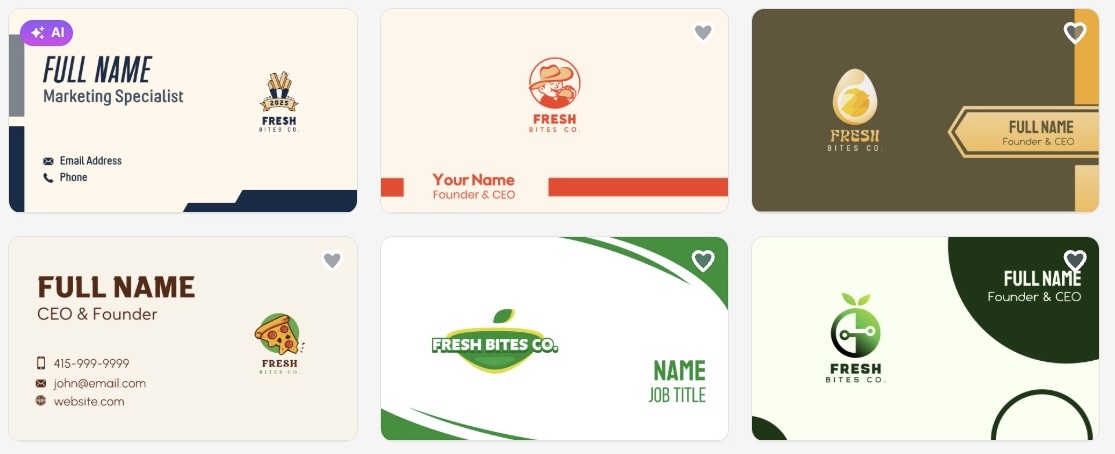
Template Library — Unmatched. Over 20,000 designs and counting. Narrow it down by industry, style, or color, and you will still have hundreds of strong options to choose from. No other tool on this list comes close.
Speed — The fastest we tested. Search, find, edit, done. The whole process moves at a pace that feels almost unfair compared to the alternatives. There’s no steep learning curve and unnecessary steps between you and a finished card.
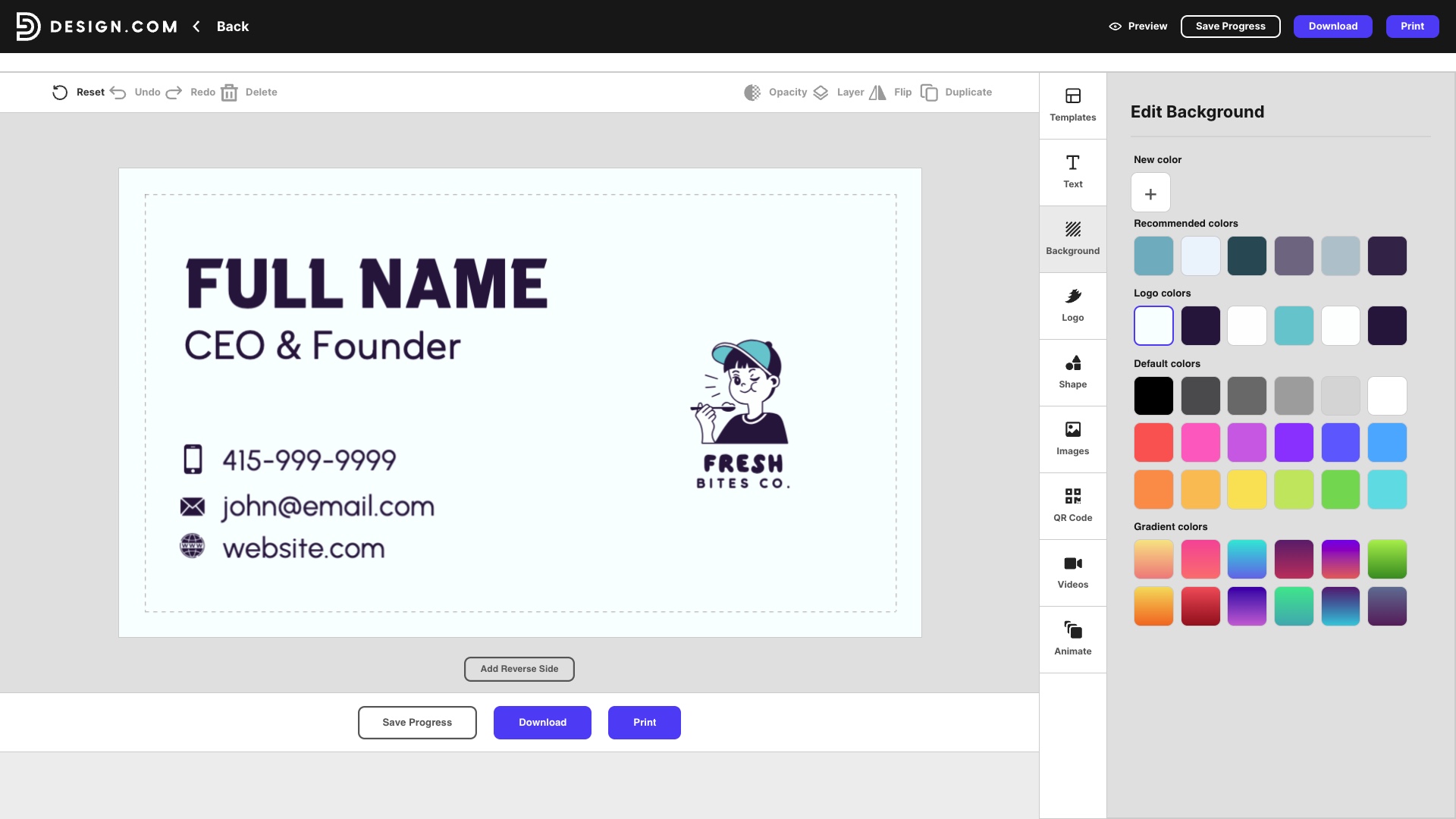
Tool Features — Impressively deep. The editor gives you granular control without overwhelming you — adjust font weights, fine-tune shadow angles, swap logo icon colors, reshape QR codes. It handles simple edits just as smoothly as complex ones.
This shows how intuitive the interface is.
Overall Ecosystem — The strongest available. Design.com is more than a card maker. With 50+ tools and AI-powered design features under one roof, everything you create connects. Your business card, logo, website, and social graphics can all share the same visual identity without ever starting from scratch.
Bottom line: Speed, depth, and a library that dwarfs the competition. Design.com makes it harder to justify going anywhere else.
2. BrandCrowd — Best Runner-Up
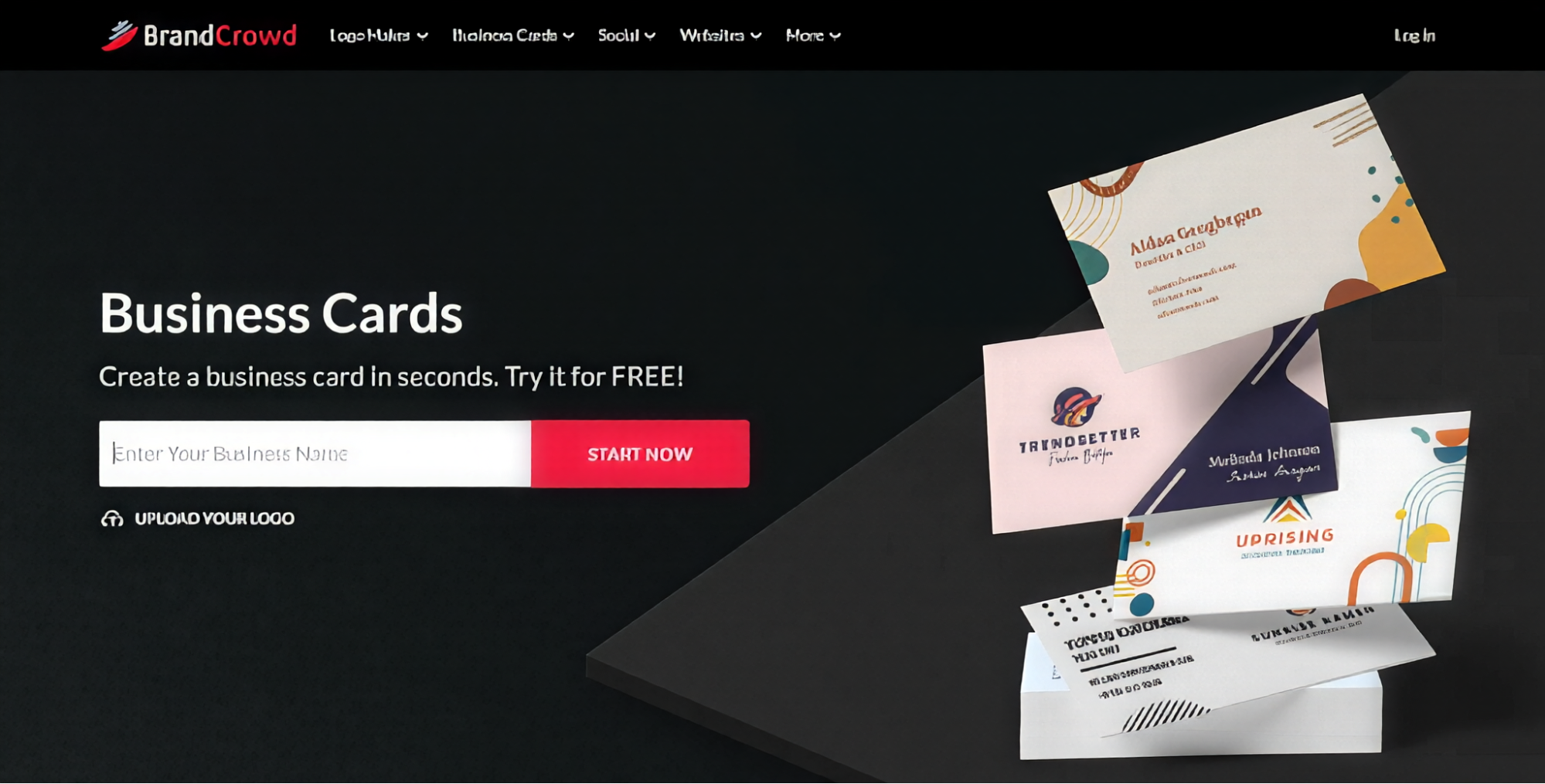
BrandCrowd’s business card maker earns a strong second place, and it is not far behind. Its biggest strength is the visual polish of its templates — nothing here looks like it came off a generic template site, making it a natural fit for brands that care deeply about first impressions.
Design Quality — Very high. The cards look refined and intentional across the board. Where most template sites serve up bland, interchangeable layouts, BrandCrowd consistently delivers designs that feel considered and brand-ready straight out of the library.
Browse the images that highlight the visual polish of BrandCrowd’s business card designs.
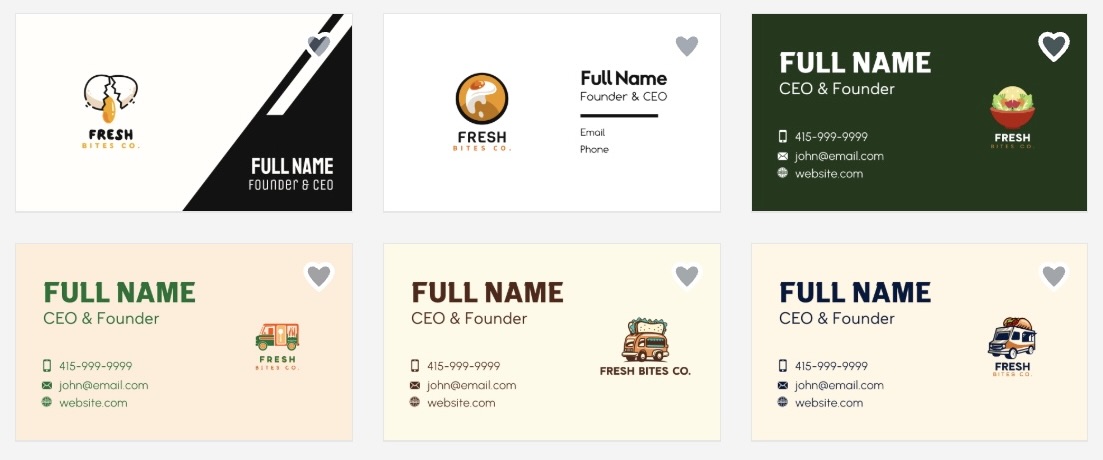
Template Library — Strong. With 3,000+ business card templates spanning a wide range of industries and styles, there is plenty to work with. The quality-to-quantity ratio here is impressive, and it sits within a wider ecosystem of 579,000+ total design templates, should you need assets beyond business cards.
Speed — Fast. Browsing is smooth, the editor loads quickly, and customizing a design rarely takes more than a few minutes. It does not quite match Design.com’s pace, but it is never sluggish.
Tool Features — Flexible. Fonts, colors, layouts, and icon placement are all fully editable. You can adjust backgrounds, tweak typography, and refine alignment without friction. Unlimited edits under a subscription means you are never locked into your first version.
Overall Ecosystem — Great. Posters, presentations, email signatures, and social graphics, BrandCrowd covers the full range of marketing assets without sending you elsewhere. Everything pulls from the same brand identity, so consistency is never an afterthought.
Bottom line: Strong design quality, a library that rewards browsing, and an ecosystem built for brand consistency. A worthy alternative to the top spot.
3. Canva — Best Free Option
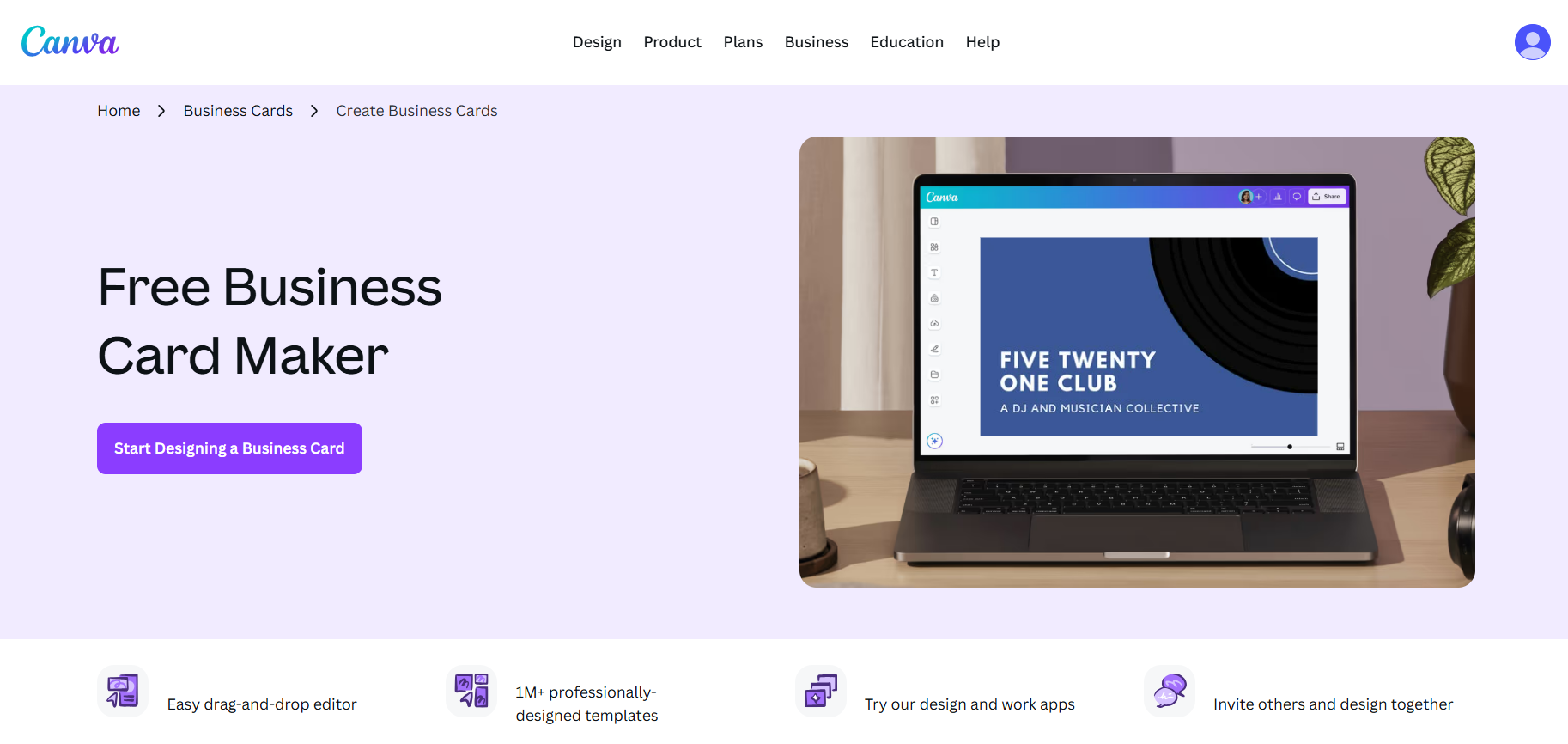
Canva’s business card maker is one of the most widely used design tools on the internet, and it shows for better and worse. It is a capable option for anyone getting started, but it has clear ceilings that more serious users will bump into quickly.
Design Quality — Decent. The templates are clean and functional, but rarely memorable. Most designs follow familiar patterns and lack the distinctiveness you get from dedicated card makers. You can make something presentable, but standing out takes considerably more effort.
Template Library — Wide but thin. Thousands of templates on paper, but many are slight variations of the same core layouts. Browsing through them can feel repetitive faster than the numbers suggest.
Speed — Moderate. Canva is familiar to most users, which helps, but the sheer volume of options and tools can slow the decision-making process. Finding the right card among so many similar designs takes longer than it should.
Tool Features — Limited to the free tier. Basic font, color, and layout edits are available to everyone, but anything more refined sits behind the Pro paywall. For a tool this widely used, the free feature set feels deliberately restricted.
Overall Ecosystem — Broad but unfocused. Canva does a lot of things for a lot of people. That versatility is also its weakness because it is not built specifically for business cards, and that generalist approach shows in the output.
Here’s the business card generated by the tool.
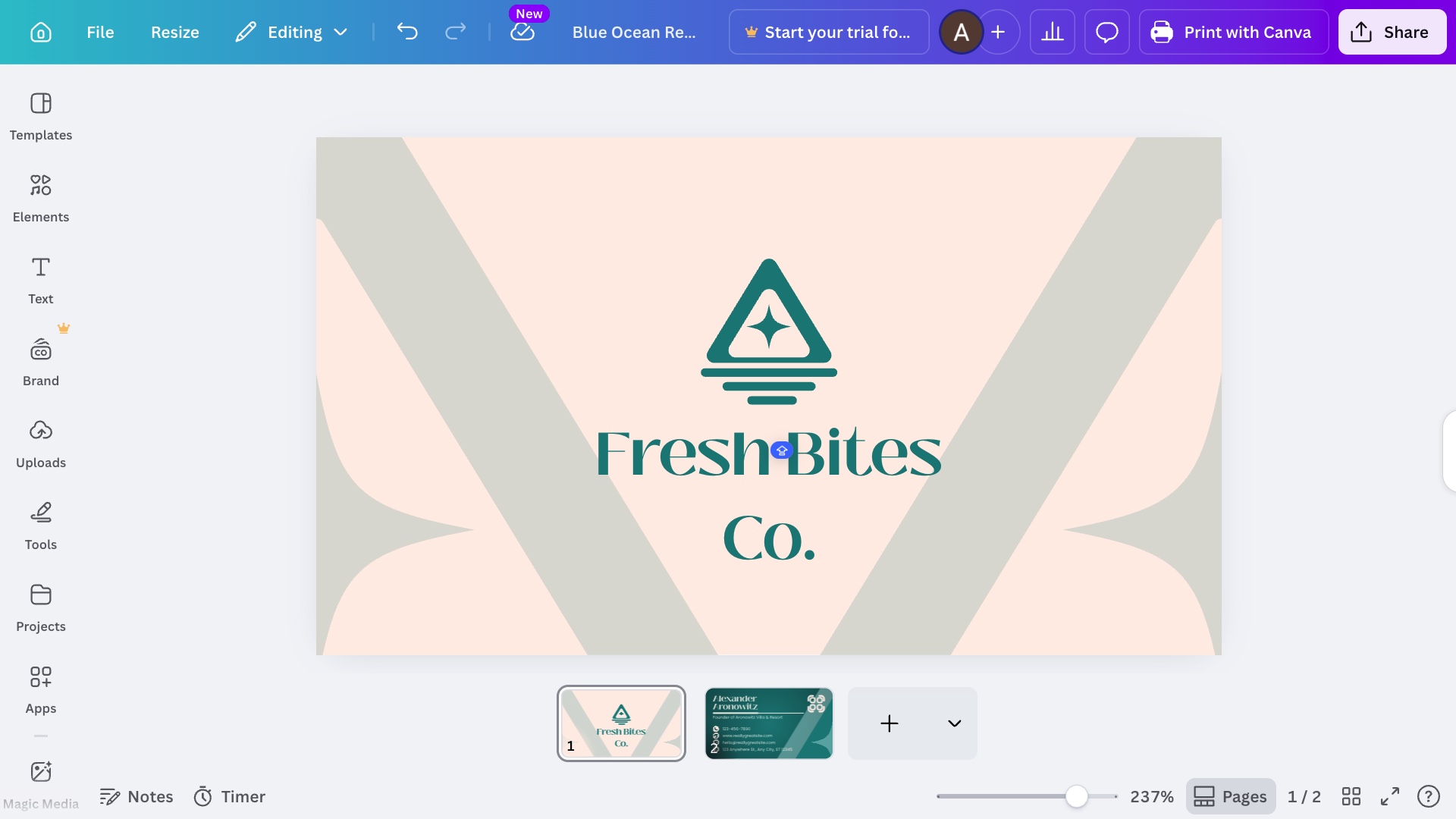
Bottom line: Fine for a first attempt or a zero-budget situation. Not the tool to reach for if the card needs to make a real impression.
4. Adobe Express — Best for Print Quality
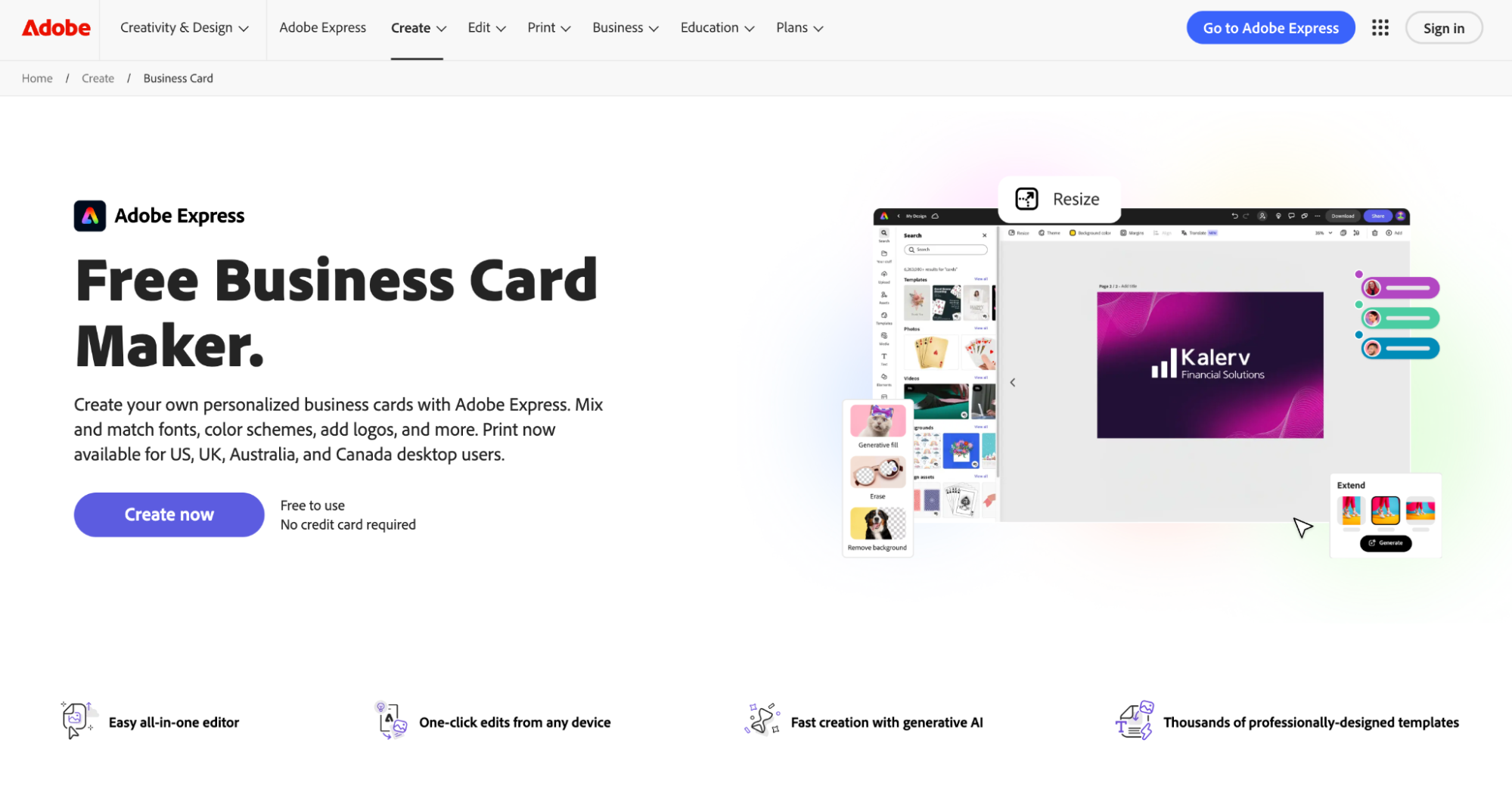
Adobe Express carries the weight of the Adobe name, but that pedigree does not fully translate into the business card experience. It is a competent tool with some genuine strengths, though it asks more of the user than most.
Design Quality — Good. Templates are polished and professionally finished, benefiting from Adobe’s design heritage. The range of styles is reasonable, though the overall library is smaller than what dedicated card makers offer.
Template Library — Modest. The selection is solid but not extensive. Users with specific industry needs may find themselves settling rather than finding exactly what they want.
Speed — The slowest we tested. Adobe Express has a steeper learning curve than the other tools here. New users will spend meaningful time getting oriented before they can move efficiently. For a tool positioned around speed and simplicity, that is a notable drawback.
Tool Features — Capable. Editing controls are solid and benefit from Adobe’s broader design thinking. Font handling and color controls are reliable, though the feature set does not go as deep as Design.com or BrandCrowd.
Overall Ecosystem — Narrow. Unless you are already embedded in the Adobe suite, the ecosystem benefits are limited. Standalone users will not get much mileage from the broader integrations.
Take a look at the business card produced by Adobe Express.
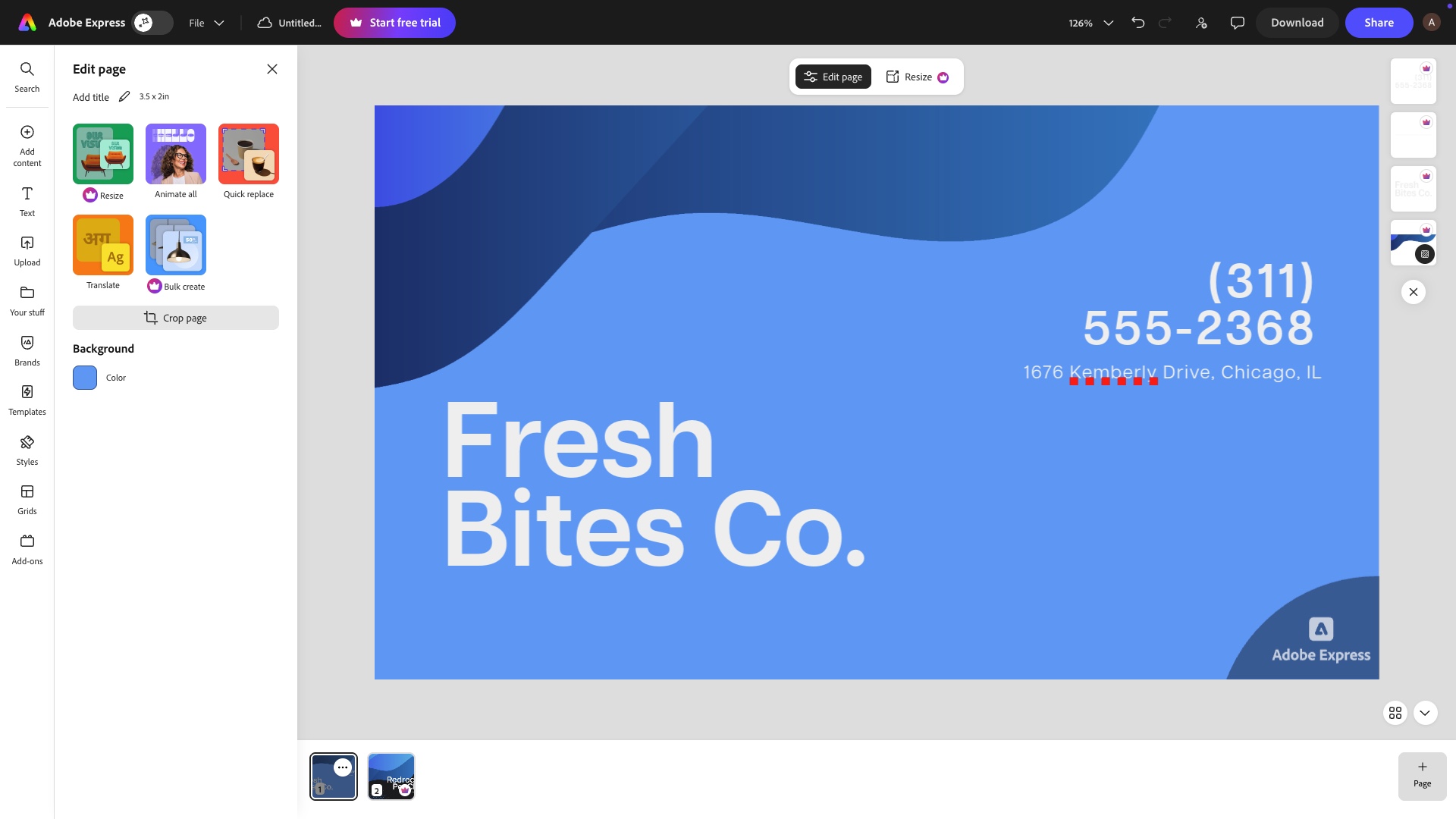
Bottom line: A reasonable option if you are already an Adobe user. For everyone else, the learning curve and limited library make it harder to justify over faster, more specialized alternatives.
5. VistaPrint — Best for Ordering
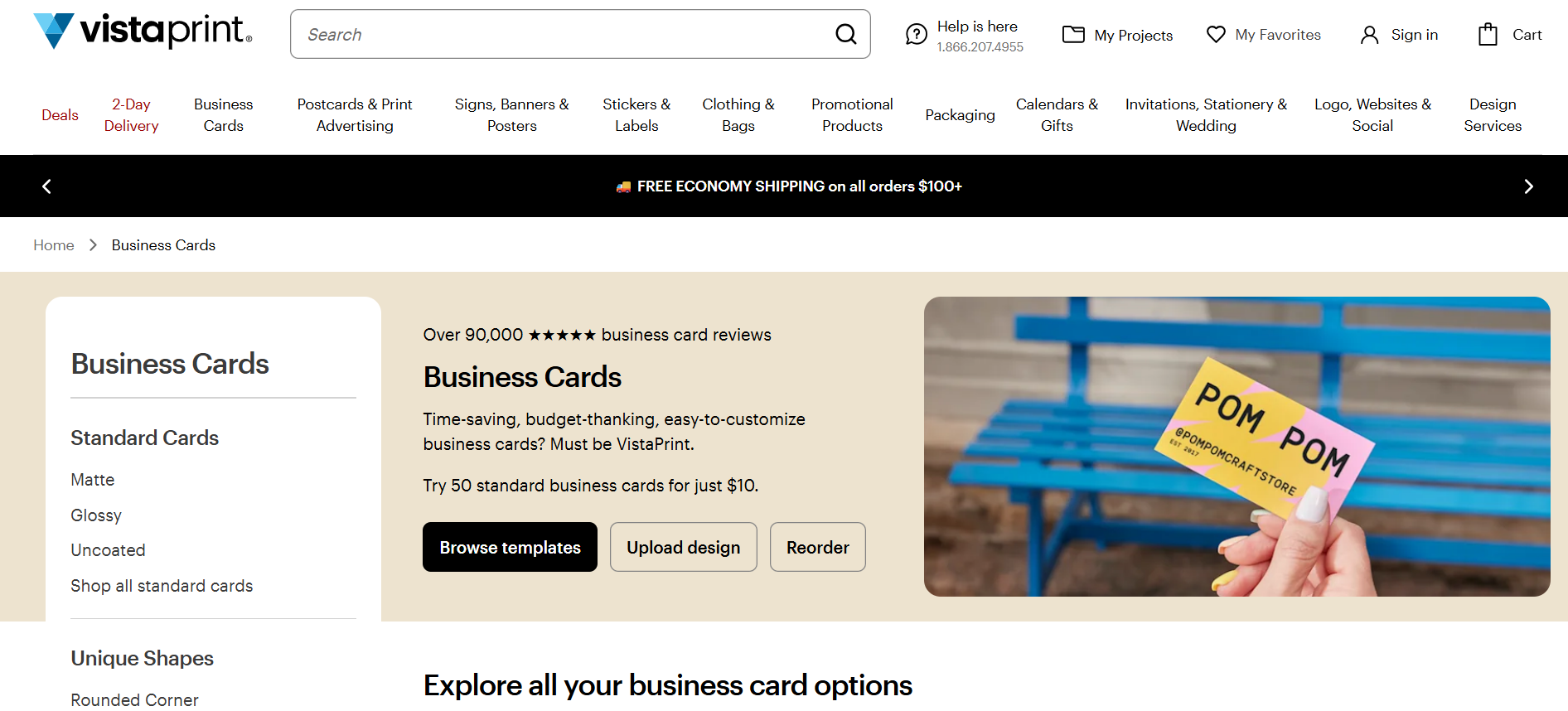
VistaPrint built its reputation on printing, not design, and that priority is evident throughout the experience. It handles the end-to-end ordering process well, but the creative side of the tool leaves something to be desired.
Design Quality — Average. The templates are functional and serviceable, but rarely inspiring. Most options feel dated compared to what dedicated design-first platforms offer. You will get a card that does the job, but it is unlikely to turn heads.
Template Library — Limited. The selection is narrower than most tools here, and the variety across industries is inconsistent. Browsing quickly surfaces the same familiar styles with little to differentiate them.
Speed — Reasonable. The process moves along without major friction once you have picked a template. The design side is straightforward precisely because there is not much depth to navigate.
Tool Features — Basic. Editing options cover the essentials like text, colors, and images, but little beyond that. Users who want meaningful creative control will find the editor frustrating quickly.
Overall Ecosystem — Print-focused. VistaPrint’s real value is in getting physical cards ordered and delivered. The design tool exists to serve that process, not the other way around.
See the business card generated by VistaPrint.
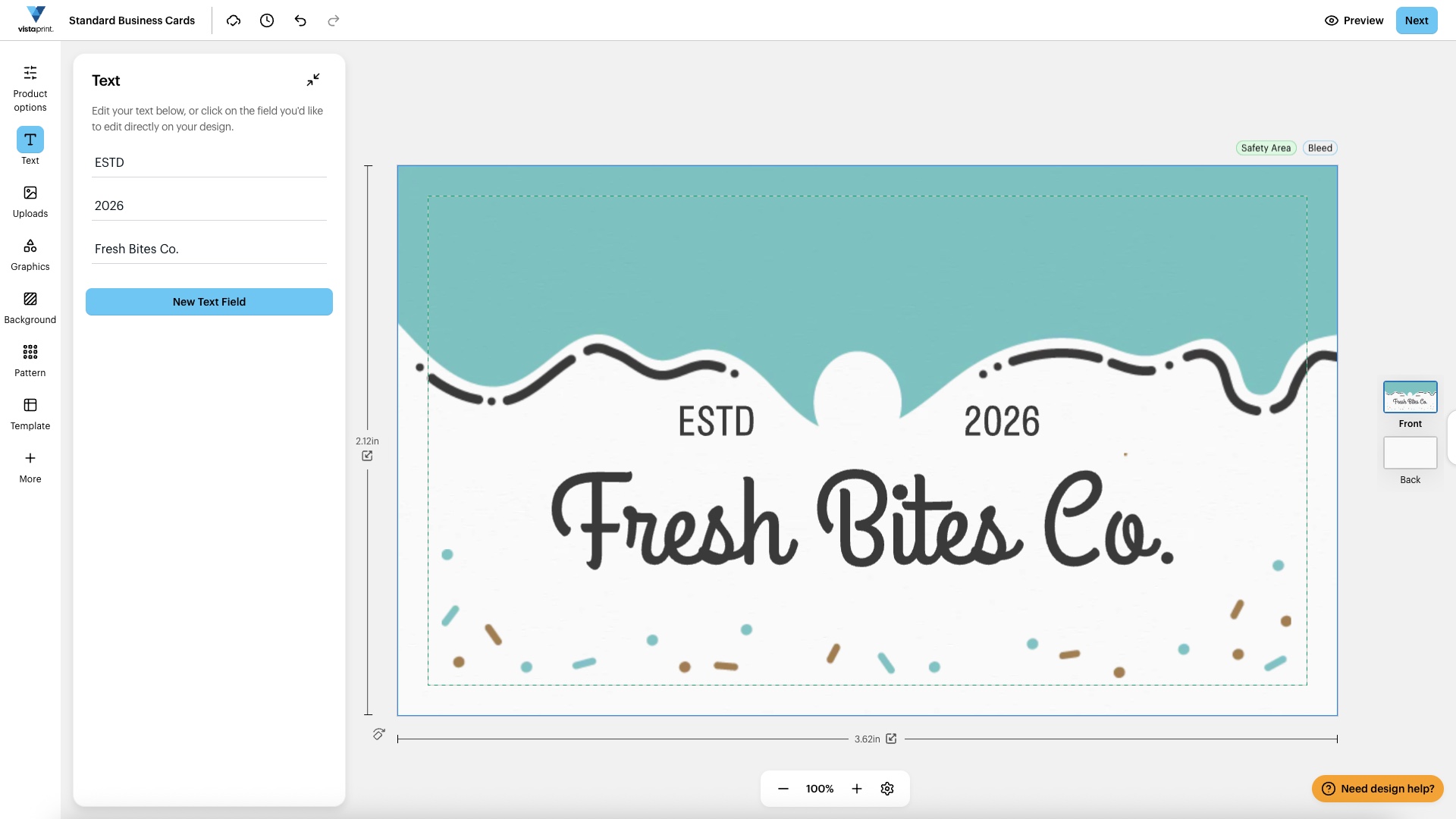
Bottom line: If you already know what you want and just need cards printed and shipped, VistaPrint handles that reliably. As a design tool, it falls short of nearly everything else on this list.
6. Moo — Best for Premium Cards
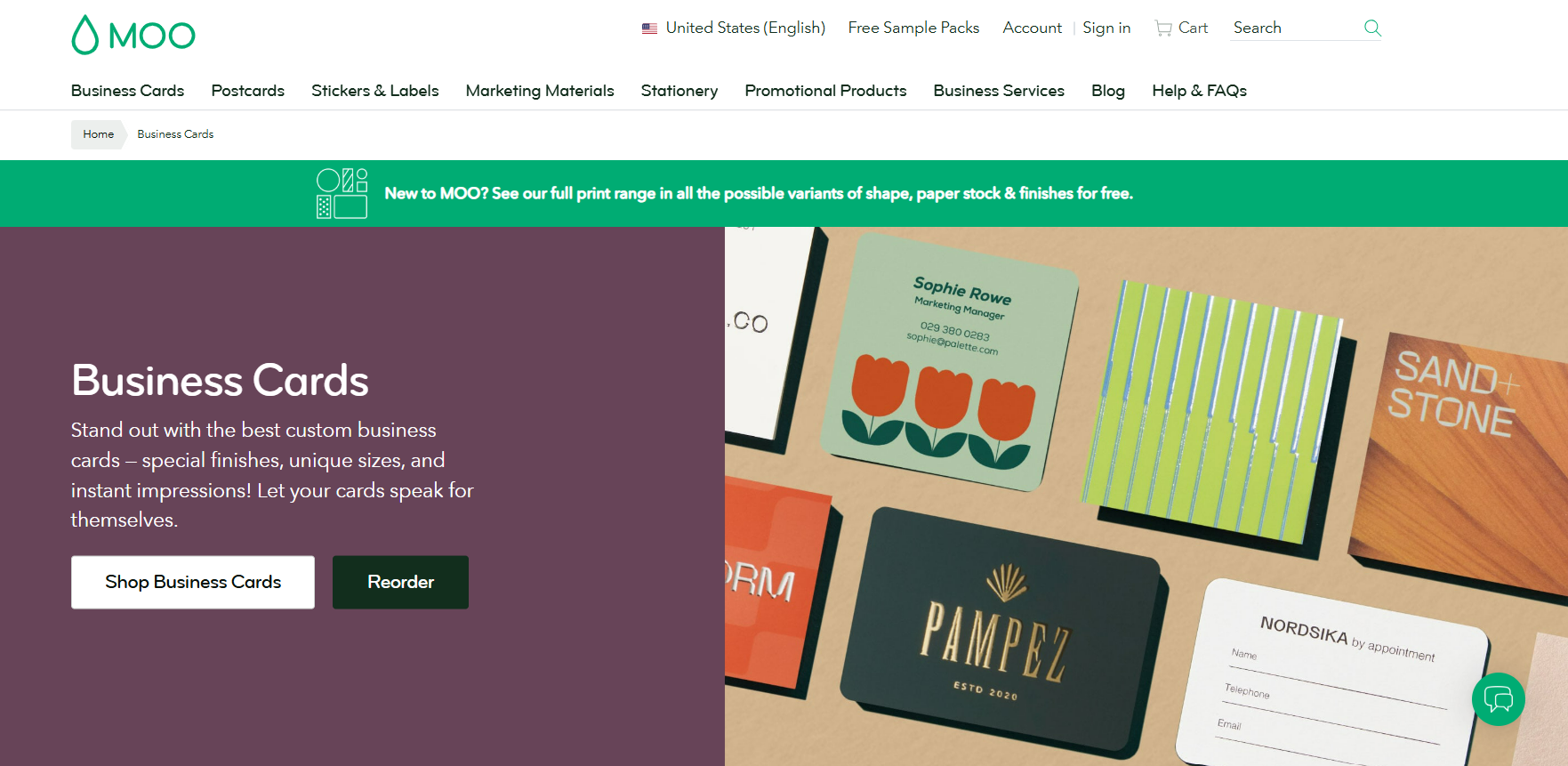
Moo occupies a different corner of the market. The focus here is on physical quality above all else, and the online design experience reflects that priority, sometimes at the expense of speed and flexibility.
Design Quality — Premium finish, limited range. Moo’s printed output is genuinely exceptional, and the cards feel different in hand. The digital template library, however, is small and not particularly diverse. You are paying for the physical product, not the design variety.
Template Library — Small. The selection is minimal compared to every other tool on this list. If you do not find something close to what you need quickly, there is not much to fall back on.
Speed — Slow. The design and ordering process is more involved than most tools here. Moo is built for those who want to get the physical details exactly right, not for those in a hurry.
Tool Features — Focused. The editor covers the basics competently, but it is not designed for deep creative exploration. Options for finishes, paper stock, and print effects are where Moo genuinely shines, though those are ordering decisions rather than design ones.
Overall Ecosystem — Minimal. Moo does one thing and concentrates on doing it well. There are no broader design tools, brand kits, or asset libraries to speak of. What you see is what you get.
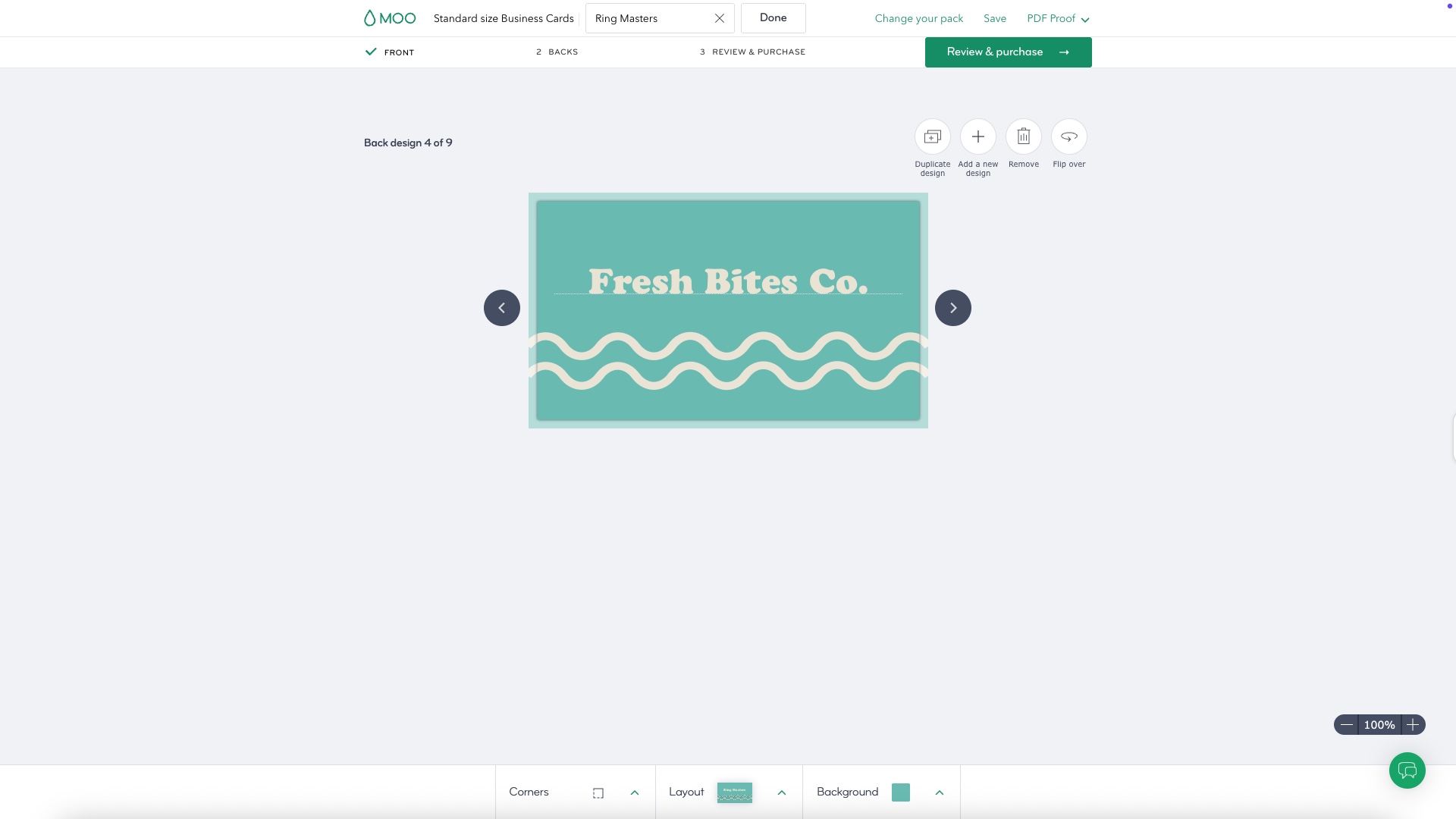
Look at the finished business card design.
Bottom line: If the tactile quality of the finished card matters more than anything else, Moo delivers. For speed, variety, or value, look elsewhere on this list.
Final Thoughts
Every tool on this list gets the job done to some degree, but not every tool gets it done fast, and not every tool gets it done well. Speed without quality is just a shortcut to a card nobody remembers. Quality without speed means hours spent on something that should take minutes.
Design.com is the only tool here that consistently delivers professional, standout business cards in the time it takes most platforms to load their editor. When every minute counts and the card still needs to make an impression, there is only one place to start.

I’m Isabella Garcia, a WordPress developer and plugin expert. Helping others build powerful websites using WordPress tools and plugins is my specialty.
