
Choosing a free website builder should be simple. However, it rarely is. Most small business owners end up bouncing between a dozen tabs, comparing feature lists that all sound identical, and still walking away unsure which tool will actually work for their needs. Add hidden upgrade walls, templates that look nothing like the preview, and free plans that barely let you do anything useful, and the whole process becomes a time sink before you have even started building.
We tested six of the most popular free website builders so you do not have to. Over 30 hours, across desktop and mobile, we built a real sample business homepage on each platform and tracked exactly where each tool delivered and where it fell short.
Here is what we found.
How We Tested These Tools
We used the same process across all platforms. Starting from a brand new account, we built a homepage for a fictional small bakery business, added a logo, customized fonts and colors, checked the mobile preview, and attempted to publish.
We evaluated each tool on six criteria:
- Ease of use — how quickly a non-designer could get something done
- Design quality — how polished the output looked without manual tweaking
- AI features — whether AI meaningfully reduced setup time and improved results
- Mobile responsiveness — how the site held up on smaller screens
- Free plan value — what you actually get without paying
- Time to launch — how long it took to go from nothing to a publishable page
We also paid close attention to what free really means on each platform. Some tools are genuinely free to start. Others use the word loosely.
Head-to-Head Comparison
| Website Builders | Design Quality | AI Features | Ease of Use | Mobile Ready | Free Plan Value | Time to Launch |
| Design.com | Excellent | Strong | Very Easy | Yes | Good | Under 5 min |
| BrandCrowd | Excellent | Good | Very Easy | Yes | Good | Under 5 min |
| Wix | Very Good | Good | Moderate | Yes | Limited | 15 to 30 min |
| Weebly | Fair | None | Easy | Yes | Limited | 10 to 15 min |
| Google Sites | Basic | None | Easy | Yes | Excellent | Under 10 min |
| Jimdo | Good | Moderate | Easy | Yes | Limited | Under 10 min |
Tool-by-Tool Results
#1 Design.com — Our Top Pick
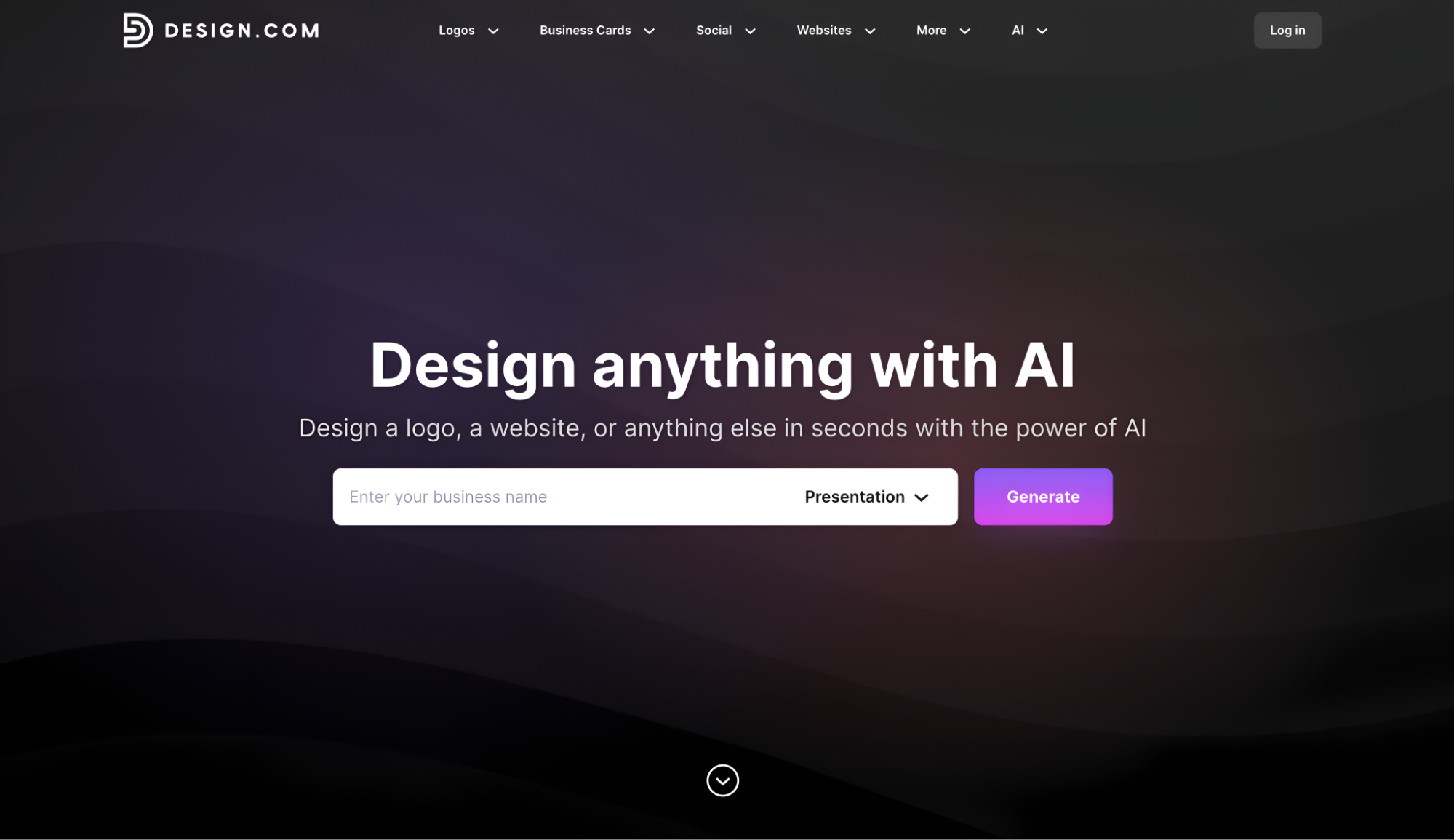
Design.com opens with one of the cleanest onboarding experiences we tested. Instead of handing you a blank template, its AI website generator creates multiple complete website variations based on your business description. You browse through them, shortlist your favorites, and edit from there.
During our testing, we generated five distinct versions for our bakery business in under two minutes. The AI pulls from over 3,000 professionally designed layouts and applies industry-specific structure automatically, so the result actually looks like a bakery website rather than a generic placeholder.
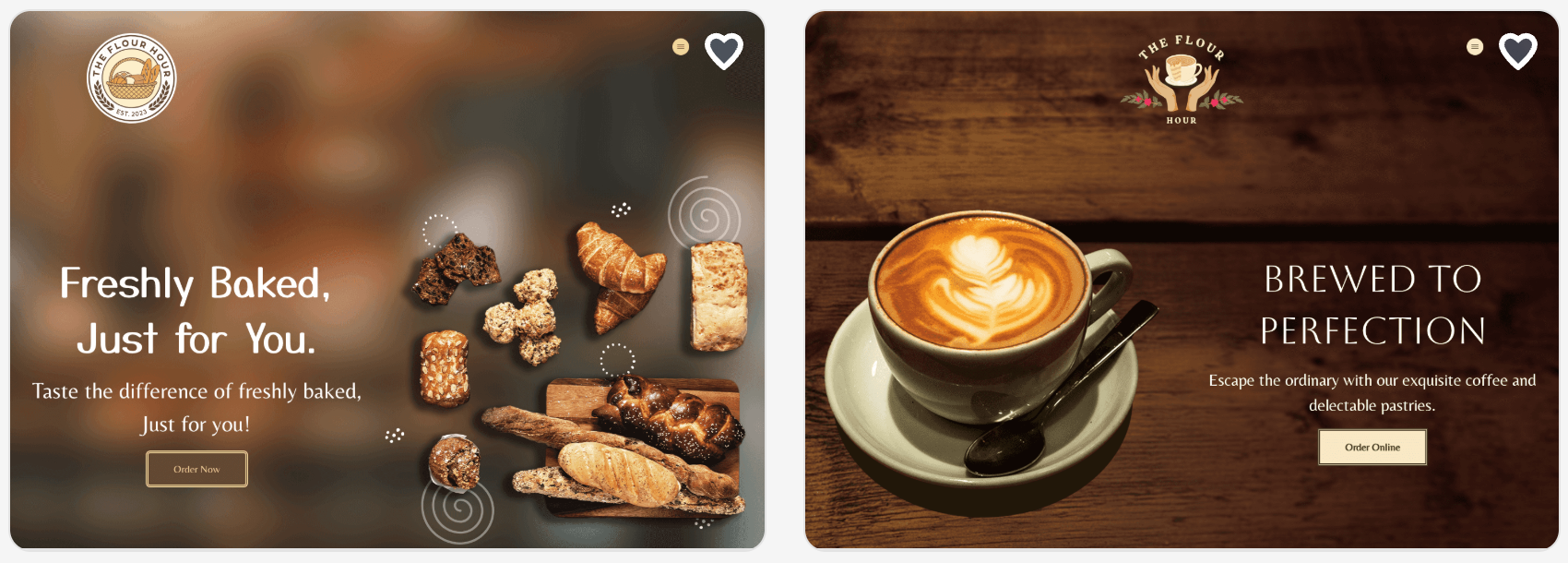


Editing was just as smooth. Fonts, colors, sections, gradients, and visual elements were all adjustable without any coding.
Standout Moment
When we activated brand synchronization, the website automatically updated to match the logo and branding assets we had built inside Design.com’s broader suite. That kind of cross-tool consistency is something most competitors either charge extra for or simply do not offer.
Free Plan and Pricing
Design.com lets you start building for free right away with no credit card required. The free plan gives you real access to the AI website generator, lets you customize your design fully, and supports up to three pages which is enough to establish a professional online presence for most small businesses.
You can explore and edit as much as you want before deciding to upgrade at these prices:
| Plan | Price | What You Get |
| Premium Monthly | $9/month | Full publishing, premium templates, branding ecosystem, custom domain |
| Premium Annual | $6/month (billed annually) | Everything in Premium Monthly at a 33% discount |
Best For
Design.com is best suited for entrepreneurs and small business owners who need to get online fast without hiring a designer. If you are building a brand from scratch and want your website, logo, and marketing assets to work together inside one platform, this is the tool built for that exact use.
#2 BrandCrowd — Strong Runner-Up
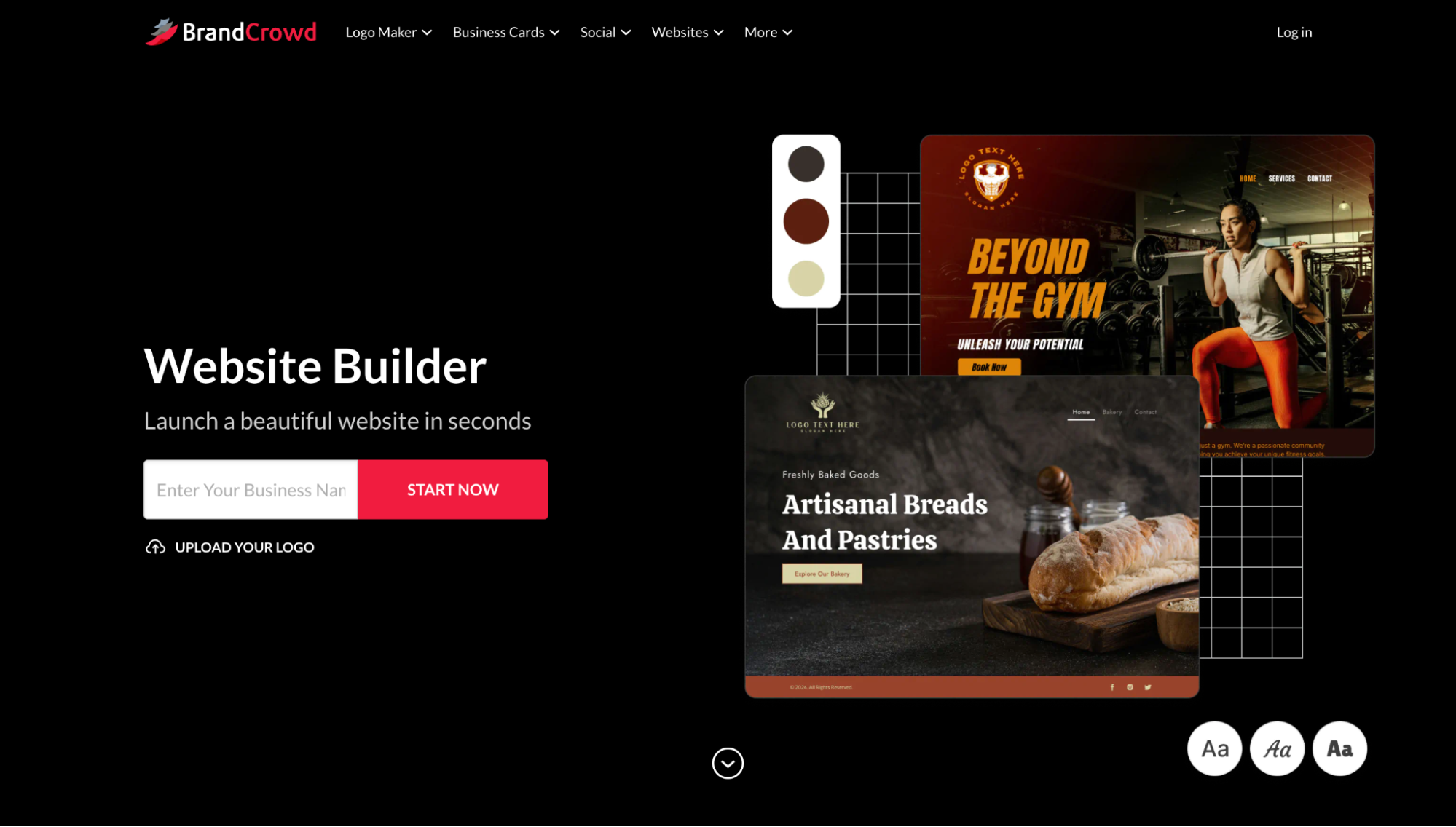
BrandCrowd’s website builder gives you access to over 3,000 customizable templates, all professionally styled and built for branding consistency. The visual editor is clean and requires no coding. You can swap content, adjust backgrounds, reposition your logo, and manage your page structure entirely through point-and-click controls.
Where BrandCrowd earns its place on this list is the integration between its website tool and its wider design ecosystem, which includes over 50 design tools covering logos, social media assets, and marketing materials. If you are building a brand rather than just a webpage, that unified workflow saves real time.
Standout Moment
We uploaded a logo created with BrandCrowd’s logo tool and watched it sync automatically across the website template. Colors adjusted, the header updated, and the whole page felt cohesive rather than a collection of separate pieces.
Free Plan and Pricing
BrandCrowd gives you genuine building power on the free plan. You can design and customize your site, publish up to three pages with hosting included, and even use features like contact forms, video embedding, and maps integration without spending a cent. It is one of the more generous free tiers we came across during testing.
When you are ready to scale up, here is what the paid plans look like:
| Plan | Price | What You Get |
| Monthly Plan | $9/month | Unlimited pages, custom domain, full editor, email capture, image gallery, payment acceptance, 24/7 support |
| Annual Plan | $6/month (billed annually) | All Monthly Plan features at a lower rate — best value for businesses committing long-term |
Best For
BrandCrowd is the right pick for small business owners and side hustlers who want every piece of their brand to feel like it came from the same creative process.
#3 Wix — The Feature-Rich Veteran
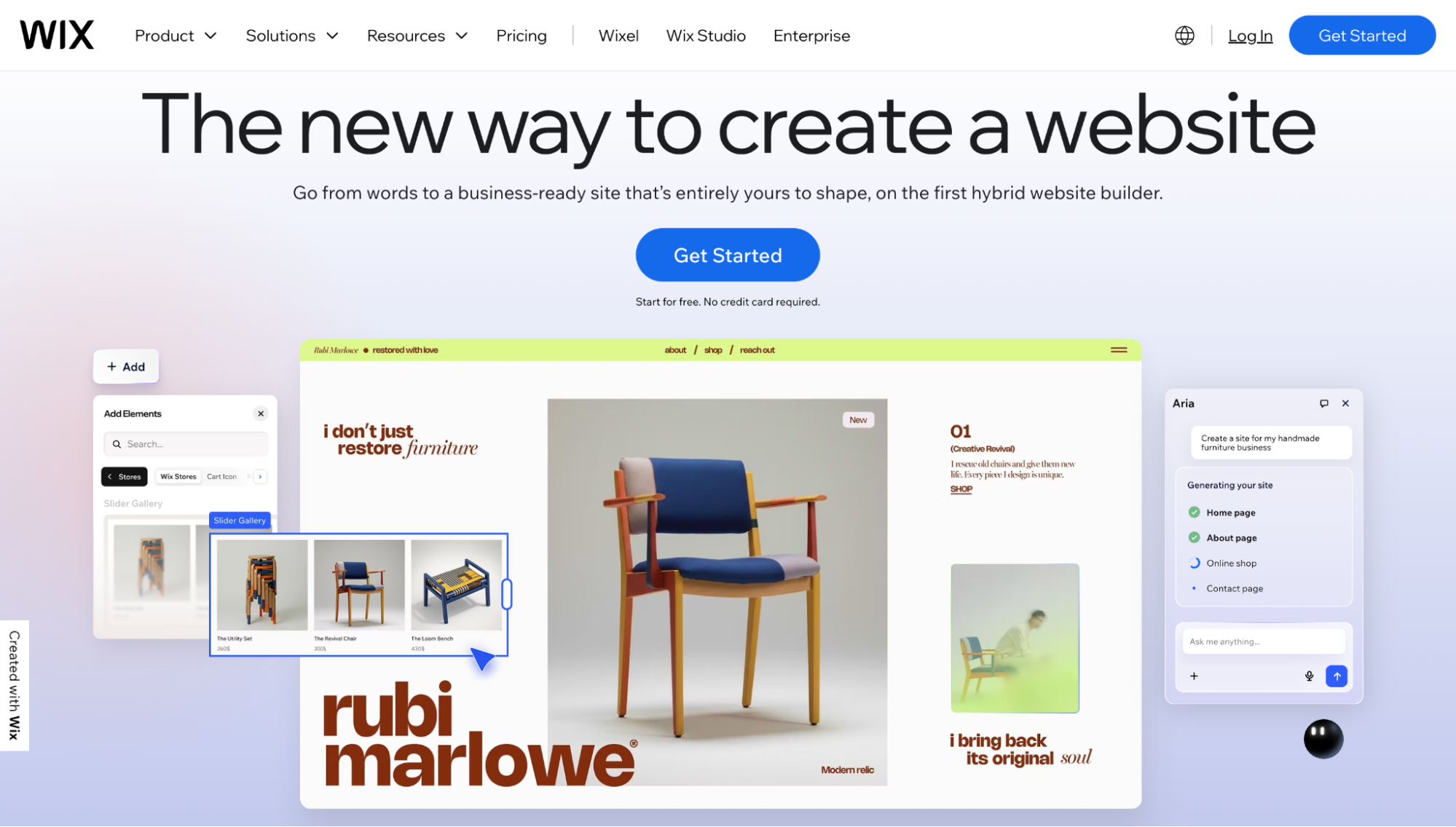
Wix is the most recognized name on this list and has spent over a decade refining its product. The depth of features is impressive. Onboarding lets you choose between an AI assistant and a manual template approach, a useful option for different types of users.
The drag-and-drop editor is powerful but has a steeper learning curve than the other tools on this list. During our testing phase, we spent more time figuring out where things were than actually designing. The results were good once we found our footing, but it took noticeably longer to get there.
The AI tools have improved in recent years, though the generated output feels slightly more generic than Design.com’s results.
Free Plan Trade-offs
The Wix free plan comes with real limitations that matter for small businesses:
- Wix-branded ads appear on your published site
- You cannot connect a custom domain to the free tier
- Storage and bandwidth are capped
Those restrictions are manageable for a personal project or portfolio, but for a business trying to look credible to customers, they are a meaningful obstacle. Here is what upgrading looks like if you decide Wix is the right fit:
| Plan | Price | Notes |
| Light | ~$17/month | Custom domain, no ads, 2GB storage |
| Core | ~$29/month | Adds ecommerce, 50GB storage |
| Business | ~$36/month | Full ecommerce and marketing tools |
Best For
Users who want maximum design flexibility and are willing to invest time learning the editor.
#4 Weebly — Simple but Showing Its Age
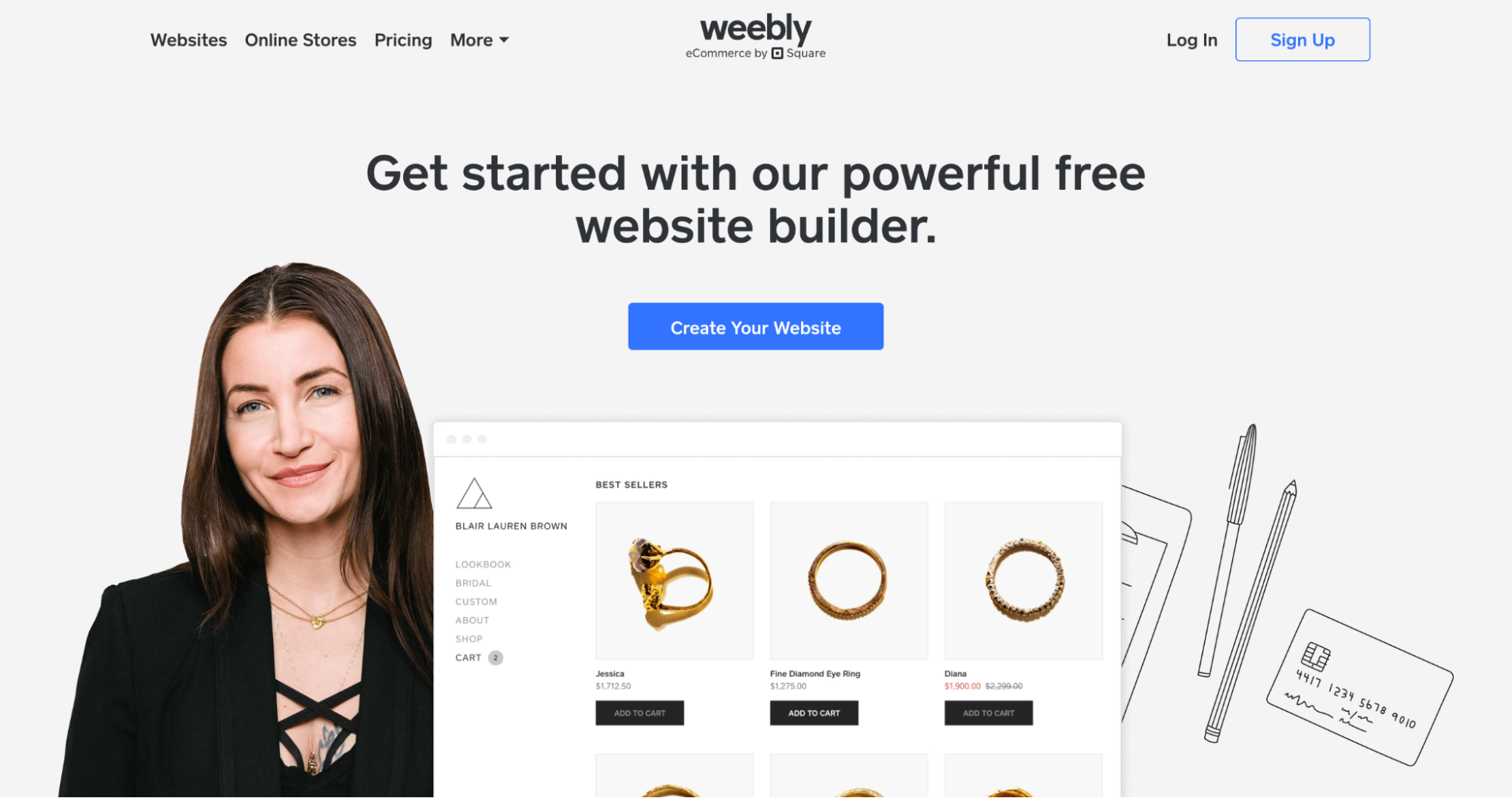
Weebly has a long-standing reputation for being easy to use. The interface is clean, and the drag-and-drop editor is approachable. However, after testing more modern tools earlier in our process, Weebly felt behind.
The template selection is smaller than on every other platform on this list. The designs feel dated, and while the editing experience works, it does not inspire confidence in the final product.
Weebly’s strongest point is its Square ecommerce integration. If selling products online is your primary goal and you already use Square, that connection is genuinely useful and requires minimal setup.
Free Plan Trade-offs
The free plan on Weebly comes with a set of limitations that are hard to overlook for a business website:
- Weebly branding appears on your site
- Storage is capped at 500MB
- You cannot connect a custom domain
- Upgrade prompts appear frequently throughout the editor
If you can live with those trade-offs in the short term, Weebly does offer paid options that unlock more functionality. Here is how the pricing breaks down:
| Plan | Price | Notes |
| Personal | ~$10/month | Custom domain, no ads, basic features |
| Professional | ~$12/month | Unlimited storage, password protection |
| Performance | ~$26/month | Full ecommerce, priority support |
Best For
Small businesses primarily focused on ecommerce that already use Square for payments.
#5 Google Sites — Functional but Built for a Different Job
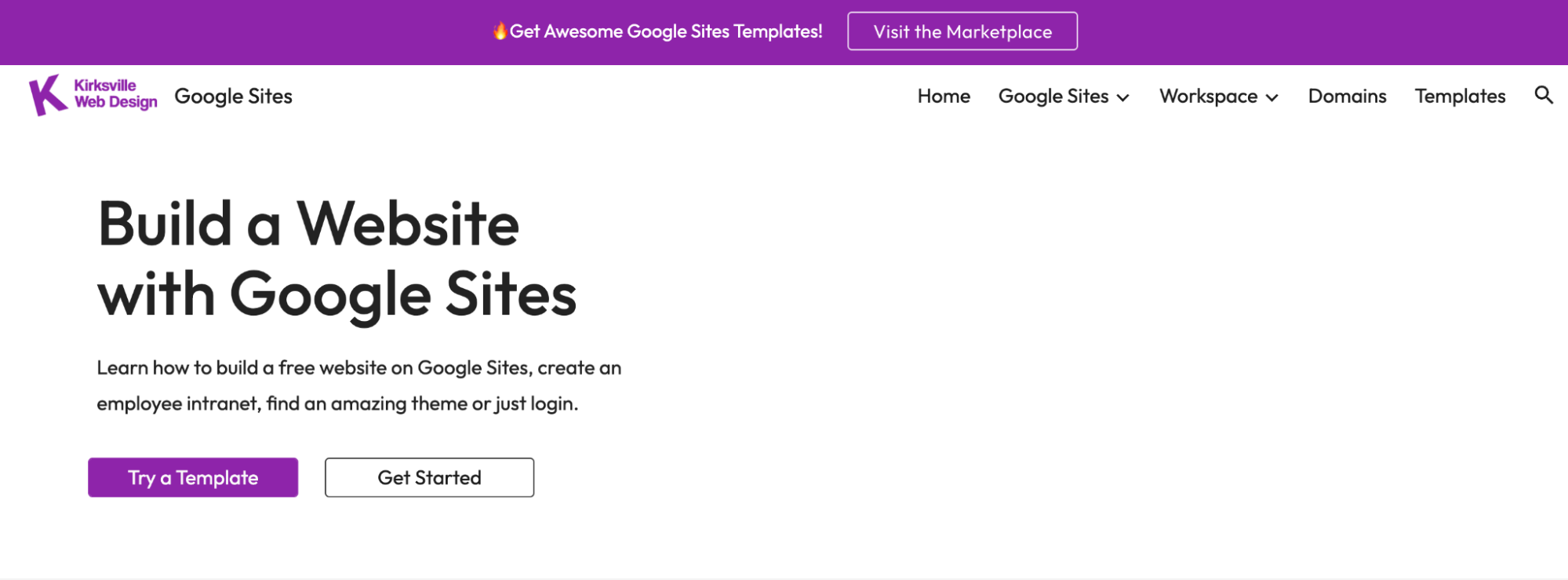
Google Sites is free in the truest sense. No paid tiers, no upgrade prompts, no watermarks. What you see is exactly what you get. The catch is that the tool was designed for internal company pages, team wikis, and simple information pages, not customer-facing business websites.
The Google ecosystem integration is its real strength. If your business already runs on Google Workspace, Sites connects seamlessly with Drive, Docs, and Calendar.
Free Plan Trade-offs
Google Sites is genuinely free with no watermarks or upgrade pressure, but that comes with trade-offs that make it a poor fit as a primary business website:
- Design options and templates are extremely limited
- There are no AI features of any kind
- You cannot connect a custom domain without a Google Workspace subscription
- The platform was not designed for customer-facing marketing pages
If your business already runs on Google Workspace and you need a simple internal or informational page, the pricing structure looks like this:
| Plan | Price | Notes |
| Google Workspace | From $6/user/month | Custom domain, business email, full Google suite |
Best For
Internal team sites, event pages, or simple informational pages for businesses already deep in the Google ecosystem.
#6 Jimdo — A Quiet Contender
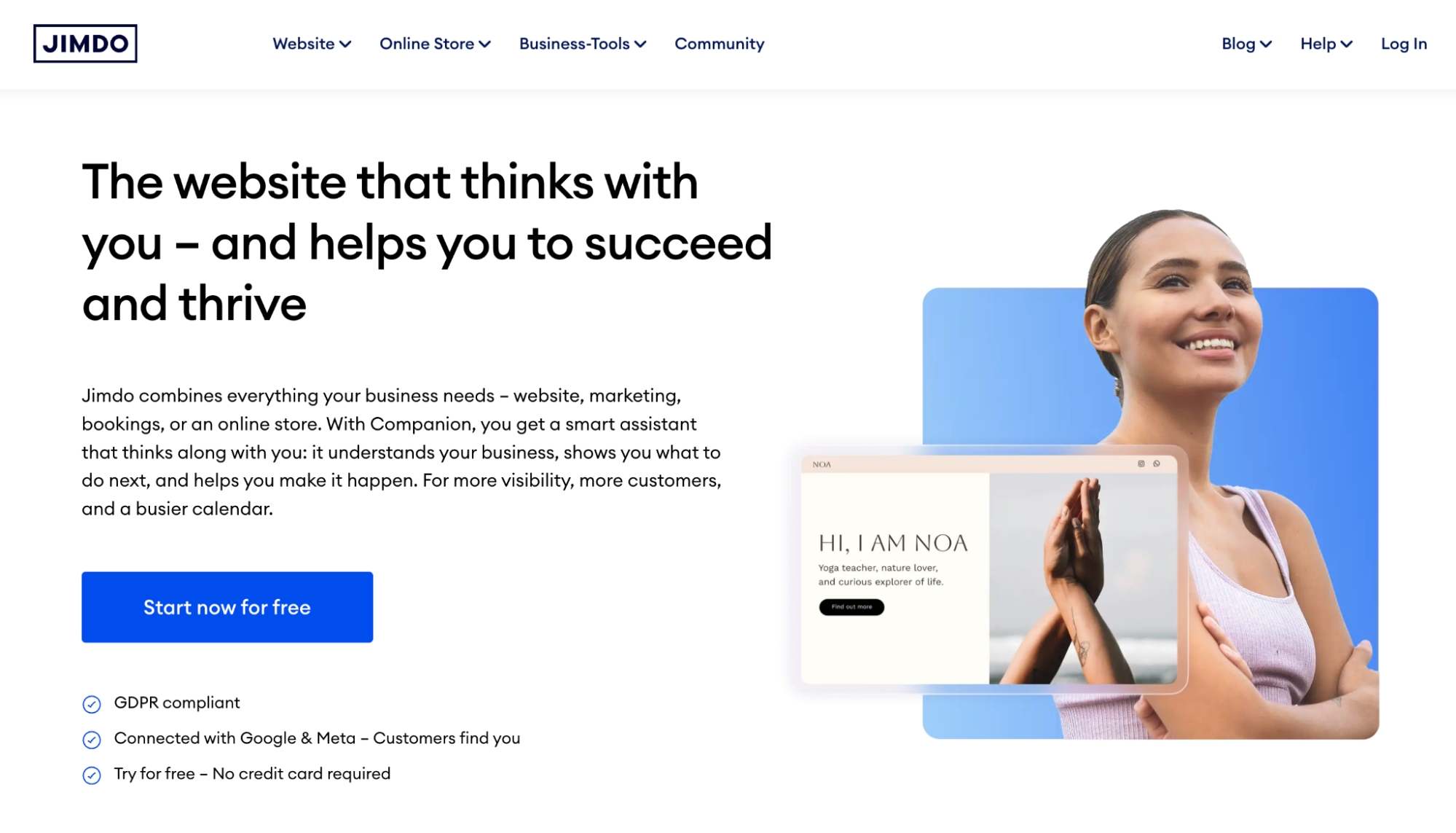
Jimdo’s platform has a focused, no-nonsense approach to website building that felt refreshing after testing tools with more cluttered interfaces.
Jimdo’s AI-driven setup asks a handful of questions and then generates a complete website structure in minutes. The results are not as visually polished as Design.com’s output, but they are clean and genuinely usable without much additional editing.
Free Plan Trade-offs
Jimdo’s free plan gives you enough to explore the platform, but not enough to run a professional business website in the long term:
- Jimdo branding appears in your URL and on your site
- Storage is capped at 500MB
- Bandwidth is limited to 2GB per month
- The overall free experience feels more like a trial than a usable product
For local service businesses that want to move to a paid plan, Jimdo’s pricing is competitive and the SEO tools that come with higher tiers add real value. Here is how the plans break down:
| Plan | Price | Notes |
| Start | ~$11/month | Custom domain, no ads, 5GB storage |
| Grow | ~$18/month | More storage, SEO tools, legal text generator |
| Ecommerce | ~$35/month | Online store, payment processing |
Best For
Local service businesses that want a clean, simple website without a steep learning curve.
The Real Takeaway After Hours of Testing
Free website builders promise a lot, but what they actually deliver varies more than most comparison articles will tell you. Speed to launch, design quality without design skills, and a free plan that gives you enough room to make a real decision before pulling out a credit card are what separate a useful tool from a frustrating one.
After hours of testing, Design.com stands out as the front-runner. No other tool in this group matched its combination of AI-powered speed, design quality, and built-in brand ecosystem. The free plan is a genuine starting point rather than a stripped-down preview, giving you up to three pages to build and customize before you commit to anything.
BrandCrowd is a strong runner-up, particularly for anyone who wants their website, logo, and marketing materials to feel like they came from a single, coherent creative vision rather than three different tools stitched together.
The best website builder is the one you will actually finish building on. These two give you the best shot at that.
________________________________________________________
Author Bio:
Hannah Suroy brings clarity to complex topics across entertainment, business, and creative industries. She specializes in translating industry trends and innovations into engaging content that helps readers understand the creative process behind the work they love.

I am a committed and seasoned content creator with expertise in the realms of technology, marketing, and WordPress. My initial foray into the world of WordPress occurred during my time at WebFactory Ltd, and my involvement in this field continues to grow. Armed with a solid background in electrical engineering and IT, coupled with a fervor for making technology accessible to the masses, my goal is to connect intricate technical ideas with approachable and captivating content.
