
A proxy server is an intermediary system that sits between a device and the internet, forwarding requests and returning responses on behalf of the requester. It can help mask an IP address, filter content, manage access, cache data, and improve certain network workflows. Although proxy servers and VPNs are often discussed together, they are not the same technology and serve different privacy, security, and performance needs.
TLDR: A proxy server routes selected internet traffic through another server, often hiding the user’s IP address from websites and services. A VPN typically encrypts all traffic from a device and routes it through a secure tunnel. Proxies are often faster and more flexible for specific tasks, while VPNs usually provide broader privacy and security protection. The better choice depends on whether the priority is speed, access control, anonymity, encryption, or whole-device protection.
What Is a Proxy Server?
A proxy server acts as a gateway between a client device and the online destination it wants to reach. Instead of a browser, app, or system connecting directly to a website, the request first goes to the proxy. The proxy then sends the request to the destination server, receives the response, and forwards it back to the original requester.
In practical terms, the destination website may see the proxy server’s IP address rather than the original device’s IP address. This can provide a layer of privacy, help bypass certain content restrictions, or allow organizations to monitor and manage network activity.
Proxy servers are used by individuals, businesses, schools, data centers, cybersecurity teams, and software systems. Their uses range from simple web browsing privacy to complex operations such as web scraping, ad verification, load balancing, and corporate traffic filtering.
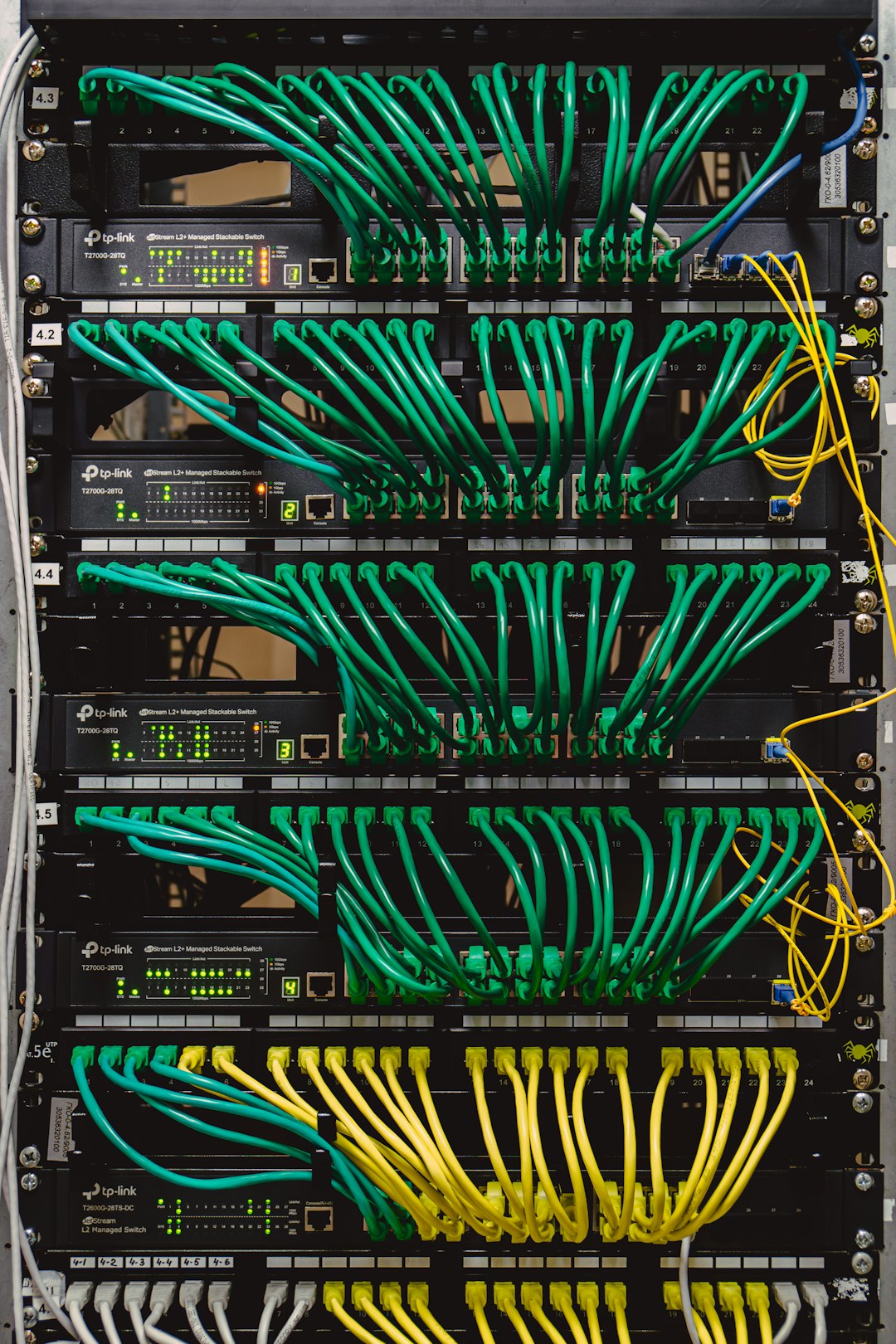
How a Proxy Server Works
When a device sends a web request through a proxy, the process usually follows a simple sequence:
- The client sends a request to access a website, application, or online resource.
- The request reaches the proxy server instead of going directly to the destination.
- The proxy evaluates the request according to its rules, settings, or authentication requirements.
- The proxy forwards the request to the target server using its own IP address.
- The target server responds to the proxy.
- The proxy sends the response back to the original client.
This arrangement creates separation between the original requester and the online service. Depending on the configuration, a proxy may also cache files, block malicious pages, restrict access to certain websites, or rotate IP addresses across multiple requests.
Common Types of Proxy Servers
Not all proxies work in the same way. Different types are designed for different use cases, levels of privacy, and technical environments.
1. HTTP Proxy
An HTTP proxy is designed for web traffic. It is commonly used for browsing websites, filtering web content, or routing browser-based requests. Since it primarily handles HTTP and sometimes HTTPS traffic, it is generally limited to web activity rather than all internet traffic from a device.
2. HTTPS Proxy
An HTTPS proxy supports encrypted web connections. It can handle requests to secure websites that use HTTPS. However, the amount of privacy it provides depends on how it is configured and whether the proxy provider can inspect or log traffic.
3. SOCKS Proxy
A SOCKS proxy operates at a lower level than an HTTP proxy and can handle many types of traffic, including web browsing, email, file transfers, and peer-to-peer connections. SOCKS5 is a popular version because it supports authentication and offers greater flexibility.
4. Transparent Proxy
A transparent proxy does not hide the fact that it is being used and may still reveal the original IP address. Schools, offices, and public networks often use transparent proxies for content filtering, traffic monitoring, or caching.
5. Residential Proxy
A residential proxy uses IP addresses assigned by internet service providers to real residential locations. These proxies are often used when websites are more likely to trust residential IP addresses compared with data center IP addresses.
6. Data Center Proxy
A data center proxy uses IP addresses from cloud providers or data centers. These proxies are usually fast, affordable, and scalable, but they may be easier for websites to detect and block.
What Is a VPN?
A VPN, or Virtual Private Network, creates an encrypted tunnel between a device and a remote VPN server. Once connected, internet traffic from the device is usually routed through that tunnel before reaching websites, apps, or online services.
The main purpose of a VPN is to provide privacy and security across the entire device or network connection. A VPN hides the user’s IP address from websites and can prevent internet service providers, public Wi-Fi operators, or local network observers from easily seeing browsing activity.
Because VPNs encrypt traffic, they are especially useful on public Wi-Fi networks, while traveling, or when accessing sensitive accounts. However, VPNs may reduce speed because encryption and routing add extra processing and distance.

Proxy vs VPN: The Main Differences
Although both proxies and VPNs can hide an IP address, their behavior and protection levels differ significantly. The biggest difference is that a proxy usually works at the application or protocol level, while a VPN usually works at the device or network level.
1. Encryption
A VPN normally encrypts traffic between the device and the VPN server. This means outside observers have a harder time reading the data. A proxy, on the other hand, does not always encrypt traffic. Some proxies support encrypted connections, but encryption is not the defining feature of proxy technology.
Key point: A VPN is generally better for security, especially on public networks. A proxy is better understood as a routing and access tool rather than a complete security solution.
2. Scope of Protection
A proxy often applies only to a single application, such as a browser or a specific software tool. If one browser is configured to use a proxy, another browser or app on the same device may still connect directly to the internet.
A VPN usually applies to all traffic from the device once it is turned on. Browsers, messaging apps, email clients, game clients, and background services may all use the VPN tunnel.
3. Speed and Performance
Proxies can be very fast, especially data center proxies used for targeted tasks. Since they may not encrypt all traffic, they can involve less overhead than VPNs. However, performance depends on server quality, location, congestion, and proxy type.
VPNs may be slower because of encryption and tunneling. High-quality VPN services can still be fast, but the added security layer can affect latency and download speeds.
4. Privacy
Both tools can mask an IP address from websites. However, privacy depends heavily on the provider. A proxy provider may log requests, track activity, or expose identifying information if misconfigured. A VPN provider may also keep logs unless it has a strong no-logs policy and trustworthy infrastructure.
Neither technology automatically guarantees anonymity. Proper configuration, provider reputation, and user behavior all matter.
5. Use Cases
Proxies are often used for specialized tasks such as:
- Managing multiple accounts or sessions
- Testing websites from different locations
- Filtering workplace or school traffic
- Caching web content for faster repeat access
- Market research and search result monitoring
- Ad verification and brand protection
VPNs are often used for broader privacy and security needs such as:
- Securing traffic on public Wi-Fi
- Protecting browsing activity from local network observers
- Accessing work resources remotely
- Reducing exposure to internet service provider tracking
- Changing apparent location for general browsing
Advantages of Proxy Servers
Proxy servers offer several benefits when used appropriately. Their strongest advantage is flexibility. A proxy can be applied to one browser, one application, or one automated workflow without affecting the entire device.
- IP masking: Websites may see the proxy IP instead of the original IP.
- Access control: Organizations can block or allow specific websites.
- Caching: Frequently requested content can be stored to reduce load times.
- Location testing: Services can be viewed from different regions.
- Task-specific routing: Different applications can use different proxies.
For technical teams, proxies can be especially useful because they allow precise control over how traffic is routed. However, they should be selected carefully, as low-quality proxies can be slow, unreliable, or unsafe.
Advantages of VPNs
VPNs are valued because they provide broad protection with relatively simple setup. Once a VPN connection is active, it can secure most or all traffic from a device without requiring each app to be configured separately.
- Encryption: Traffic is protected inside a secure tunnel.
- Whole-device coverage: Most apps can use the VPN connection automatically.
- Public Wi-Fi safety: Data is harder to intercept on unsecured networks.
- Remote access: Employees can securely connect to company systems.
- Ease of use: Many VPN apps require only one click to connect.

When a Proxy Is the Better Choice
A proxy may be the better option when the goal is specific traffic routing rather than full-device encryption. For example, a company may use a proxy to filter employee web access. A developer may use proxies to test how a website appears in different countries. A researcher may use proxies to collect publicly available data while distributing requests across multiple IP addresses.
Proxies are also useful when different apps need different network identities. Since a proxy can be configured at the application level, it gives more granular control than a typical VPN connection.
When a VPN Is the Better Choice
A VPN is usually the better choice when the priority is security and privacy across the whole device. Someone connecting to hotel Wi-Fi, airport Wi-Fi, or a café network benefits from encrypted traffic. A remote employee accessing internal business systems also commonly uses a VPN to protect sensitive communications.
VPNs are more suitable for general users who want a simple privacy layer without manually configuring individual applications. While they may not offer the same task-specific flexibility as proxies, they provide stronger all-around protection in many everyday situations.
Can a Proxy and VPN Be Used Together?
A proxy and a VPN can be used together, but doing so is not always necessary. Combining them may add an extra routing layer, but it can also slow performance and complicate troubleshooting. In some setups, a device connects to a VPN first, and then a browser or application uses a proxy. In other setups, traffic may pass through a proxy before entering a VPN tunnel.
This approach is generally more relevant for advanced users, businesses, or technical workflows. For most everyday browsing, either a proxy or a VPN is usually enough, depending on the goal.
Security Considerations
Both proxies and VPNs require trust in the provider or administrator. Since traffic passes through an intermediary server, that server may be able to observe metadata, connection times, destinations, and in some cases content. Free proxy services can be especially risky because they may inject ads, log activity, sell data, or provide poor security.
Before relying on either technology, it is important to consider:
- Whether the provider keeps logs
- Where the servers are located
- Whether encryption is supported
- Whether the provider has a clear privacy policy
- Whether the service is reputable and transparent
Conclusion
A proxy server is a powerful intermediary tool that helps route internet traffic, mask IP addresses, filter access, and support specialized online tasks. A VPN, by contrast, is designed to create an encrypted tunnel that protects traffic across an entire device or network connection. The main difference is that proxies offer flexibility and targeted routing, while VPNs offer broader encryption and security.
The right choice depends on the use case. For application-specific routing, testing, caching, or access management, a proxy may be ideal. For public Wi-Fi protection, encrypted browsing, and whole-device privacy, a VPN is usually the stronger option.
FAQ
What is a proxy server in simple terms?
A proxy server is a middleman between a device and the internet. It sends requests to websites on behalf of the device and returns the results.
Does a proxy hide an IP address?
Yes, a proxy can hide the original IP address from websites by showing the proxy server’s IP address instead. However, the level of privacy depends on the proxy type and configuration.
Is a VPN safer than a proxy?
In most cases, a VPN is safer because it encrypts traffic and usually protects the entire device. A proxy may not provide encryption.
Is a proxy faster than a VPN?
A proxy can be faster because it may not encrypt traffic. However, actual speed depends on server quality, distance, and network congestion.
Can a proxy be used for streaming?
Some proxies can route streaming traffic, but results vary. Many streaming platforms detect and block proxy traffic.
Can a VPN and proxy be used at the same time?
Yes, they can be combined, but the setup may reduce speed and add complexity. It is usually only needed for specific technical purposes.
Which is better for public Wi-Fi?
A VPN is usually better for public Wi-Fi because it encrypts traffic and protects data from local network snooping.

I’m Sophia, a front-end developer with a passion for JavaScript frameworks. I enjoy sharing tips and tricks for modern web development.
