
For many video editors and content creators, InShot has become a household name — a mobile-friendly, intuitive platform to create and export videos optimized for social media and beyond. But as its user base grew, so did the number of complaints regarding a peculiar and frustrating bug: vertical videos being misinterpreted as horizontal. This not only disrupted workflows but also led to countless hours wasted trying to fix what should have been a straightforward edit.
TLDR
InShot users have long struggled with vertical clips being imported as horizontal, causing videos to be rotated incorrectly in projects. The root issue stemmed from incorrect interpretation of orientation metadata, especially on videos taken from smartphones. Recently, a fix was implemented that respects embedded orientation data, putting an end to automatic forced rotations. This improvement has streamlined video editing and restored trust in the app’s reliability.
The Problem: Vertical Videos Flipping Horizontally
For years, importing portrait-oriented videos into InShot resulted in an unexpected behavior: instead of retaining their intended orientation, many clips appeared sideways, forcing vertical content into a horizontal frame. This confounded creators, particularly those making content specifically for portrait-first platforms like TikTok, Instagram Reels, or YouTube Shorts.
At the core of this issue was how InShot handled orientation metadata. Modern smartphones store information about how a video was recorded — whether the device was held in portrait or landscape mode — as metadata within the video file. Rather than rotating the pixels of the video when filming, most smartphones (especially on iOS and Android) keep the video data intact and merely include tags that instruct compatible software to rotate the playback.
InShot, for a time, either ignored this orientation metadata or interpreted it incorrectly. Instead of following the embedded instructions, the app defaulted to a horizontal layout, rotating portrait videos 90° and presenting them incorrectly. The result was videos that required manual rotation and cropping, which could compromise quality and waste valuable time.
The User Backlash
Forums, Reddit threads, and app reviews became filled with user complaints. Threads titled “Why is InShot flipping my videos?” or “InShot rotates vertical video to horizontal — help needed!” became increasingly common. The issue wasn’t just a cosmetic inconvenience; it fundamentally disrupted editing workflows.
- Content creators had to rotate clips manually and reframe them.
- Batch editors working on multiple clips had to repeat this correction for each video.
- Novice users felt confused by the seemingly arbitrary rotation, often resorting to third-party apps just to clean up orientation before editing in InShot.
The stakes were higher for professionals trying to produce quick-turnaround content. Every minute spent correcting orientation issues was time not spent editing, publishing, or monetizing content.
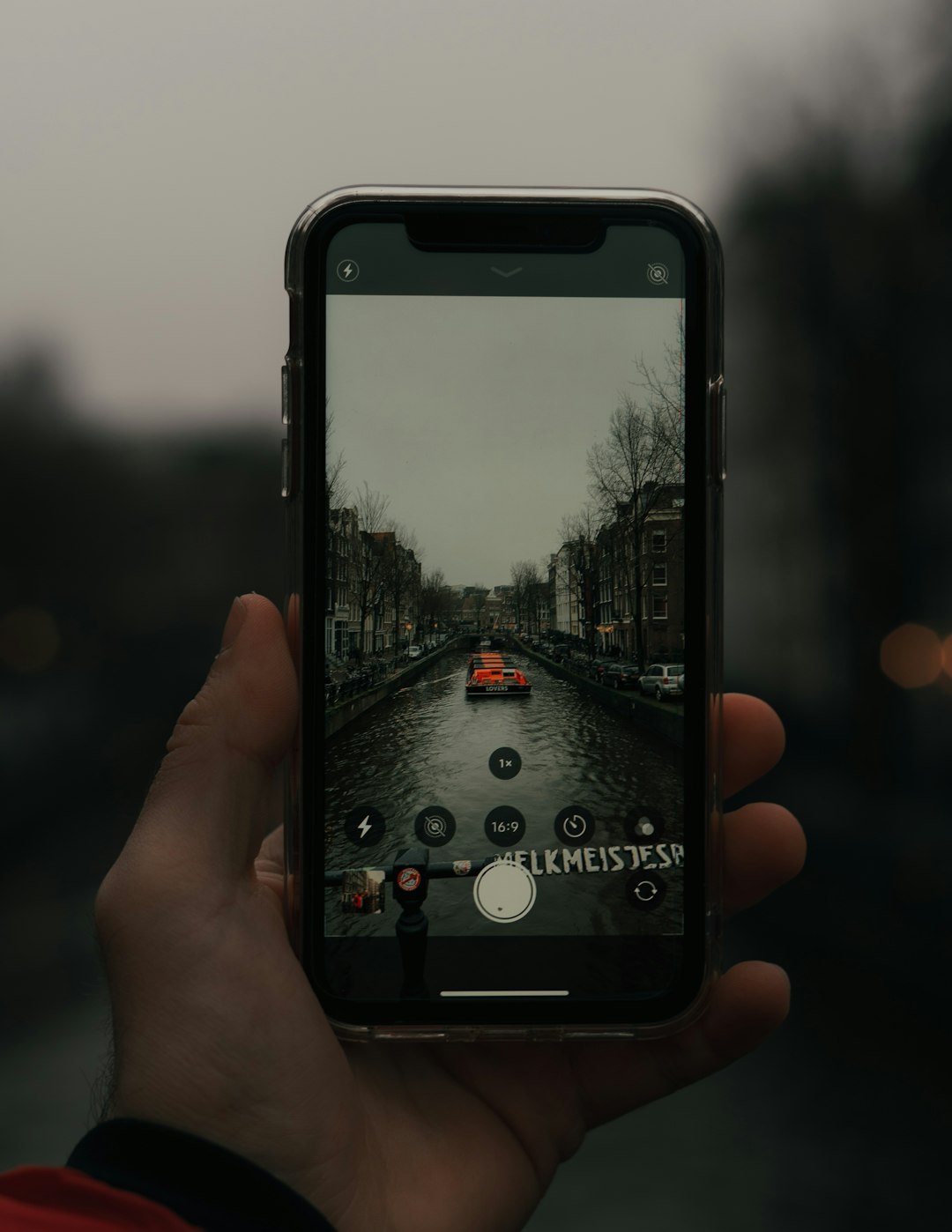
Understanding Orientation Metadata
To better appreciate the significance of the recent fix, it helps to understand how orientation metadata functions in smartphone camera systems. When you record a video on your phone, the actual pixel data is typically stored in a default orientation, usually landscape. To avoid physically rotating all the video data — a computationally heavy task — the camera writes a line of EXIF or QuickTime metadata that flags how the video should be displayed.
Here’s a simplified breakdown:
- Raw Video Data: Stored in a landscape pixel layout regardless of actual phone position.
- Orientation Flag: A metadata tag such as “rotate 90° CCW” or “rotate 270° CW.”
- Compatible Software: Video players and editors access the metadata and apply the correct rotation during playback.
Most modern editing software—including Premiere Pro, Final Cut Pro, and even smartphone gallery apps—respect this orientation metadata. But when InShot failed to, it essentially ignored these flags, rendering the video as it was literally encoded, not how it was meant to be viewed.
The Fix That Changed Everything
In late 2023, an update to InShot quietly introduced a critical improvement. With version 1.63.2 for Android and 1.62.5 on iOS, the app began correctly interpreting the orientation metadata inside video files. This meant that when users imported a vertical clip shot on their phone, InShot automatically applied the correct display orientation. The app no longer “forced” a horizontal base unless explicitly set by the user.
Here’s what was implemented:
- Orientation-aware decoding: Video files are now parsed with respect to their embedded rotation flags.
- Conditional canvas adjustments: The project canvas adjusts dynamically based on the imported video’s orientation, eliminating the need for manual cropping or resizing.
- Fallback settings: For edge cases or older files with corrupted metadata, the app prompts users to manually choose the correct display orientation.
This change effectively removed the longstanding hassle of working with vertical content, reinvigorating user confidence in the platform.
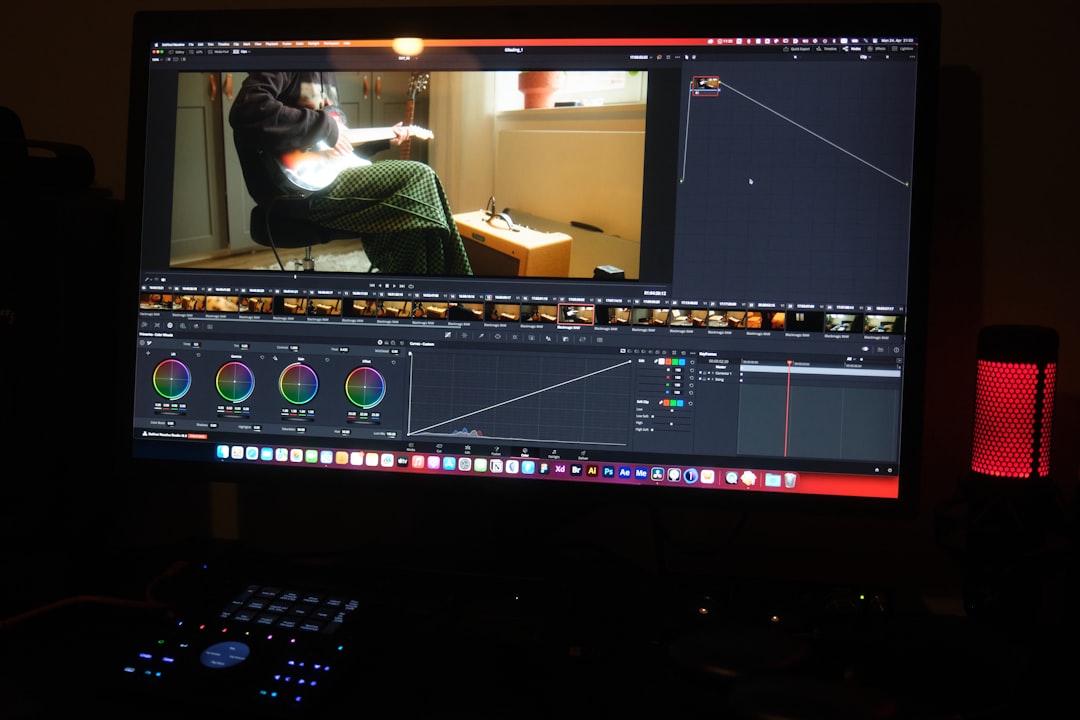
Impact on Editing Workflow
The ripple effect of this fix has been substantial. Creators who once had to run every clip through a pre-processing phase just to correct orientation can now import and edit seamlessly. Time, efficiency, and frustration levels have all improved.
Notably:
- Video quality is preserved as there’s no need to re-encode clips just for rotation corrections.
- Smarter automation saves time for professionals and hobbyists alike.
- Better user experience for new users unfamiliar with metadata or manual orientation fixes.
This also opens the door for a more seamless multi-app editing pipeline. Users can safely capture footage on any device, confident that it will render as expected in InShot without intervention.
Remaining Challenges and Best Practices
While the update resolved the majority of issues, users should still be aware of a few best practices to optimize their experience:
- Keep the app updated: Always use the latest version of InShot, as orientation fixes rely heavily on app-side rendering logic.
- Avoid third-party camera apps that strip metadata: Some apps may save videos without orientation tags, reverting the issue.
- Test before large projects: Always import a few test clips into your project to confirm everything aligns as expected.
Moreover, creators editing footage from older phones or legacy files may encounter occasional inconsistencies. In those cases, using a metadata editor or transcoding the video with tools like Handbrake can help restore proper orientation flags.
The Road Ahead
InShot’s decision to tackle the orientation issue head-on signals the developers’ recognition of their users’ needs. With mobile content creation increasingly becoming not just accessible but dominant, tools like InShot must evolve to maintain relevance. Properly supporting orientation metadata is not just a technical fix — it’s a commitment to respecting the creator’s intent.
Looking forward, users can hope for further improvements such as:
- Intelligent multi-orientation timelines for mixed clip formats
- AI-powered detection and correction of improperly tagged videos
- Deeper integration of metadata handling for color profiles and frame rates
Conclusion
The vertical-video-import glitch in InShot was more than a minor bug — it was a symptom of how critical proper metadata interpretation is in modern content creation. Thanks to a thoughtful orientation metadata fix, users can now focus more on creativity and less on correction. What once felt like a persistent oversight has turned into a clear sign that InShot is listening, adapting, and evolving.
If you’re among those who once avoided using InShot due to these frustrations, it may be time to take another look. With this issue finally resolved, InShot is back on track as a reliable and powerful tool in the modern editor’s toolkit.

I’m Sophia, a front-end developer with a passion for JavaScript frameworks. I enjoy sharing tips and tricks for modern web development.
