
Building modern apps is a team sport. Designers, developers, and product managers all work together to create smooth user experiences. But there’s one big problem. Teams often rebuild the same UI components again and again. Buttons. Cards. Forms. Modals. Over and over.
This is where component library platforms like Bit come in. They change the way teams build software. They make sharing UI components easy. And they save a huge amount of time.
TLDR: Component library platforms like Bit allow teams to build, share, and reuse UI components across projects. Instead of rewriting the same code, teams create reusable building blocks. This improves consistency, speeds up development, and reduces bugs. It’s like turning your UI into Lego pieces that everyone can use.
Let’s break it down in a simple way.
What Is a UI Component?
A UI component is a small, reusable part of a user interface. Think of it as a building block.
Examples:
- Buttons
- Input fields
- Navigation bars
- Product cards
- Popups and modals
Each component does one job. A button triggers an action. A card shows information. A navbar helps users move around.
When you combine many small components, you create full pages and complete apps.

The Old Way: Copy and Paste
Before component library platforms became popular, teams often worked like this:
- Developer A builds a button in Project 1.
- Developer B builds another button in Project 2.
- The styles are slightly different.
- Now the app looks inconsistent.
Or worse.
Someone copies code from one project to another. Then changes it. Then forgets to update both places later.
This leads to:
- Inconsistent design
- Duplicate code
- Hard maintenance
- More bugs
It’s messy. And expensive.
The Better Way: Shared Component Libraries
Now imagine something different.
You build a button once. You store it in a shared library. Every project uses that same button.
If you update the button, all projects get the update.
Simple. Clean. Scalable.
This is the idea behind component library platforms like Bit.
What Is Bit?
Bit is a platform that lets developers:
- Build components independently
- Share them across projects
- Version them
- Document them
- Test them in isolation
Each component becomes its own unit. It can be developed, updated, and maintained separately from the full application.
Think of it like creating a private npm for your team’s UI components. But smarter and more visual.
Why This Is a Big Deal
The benefits are huge. Let’s look at them one by one.
1. Reuse = Speed
When you don’t have to rebuild components, you move faster.
Instead of coding a login form from scratch, you import it.
Instead of redesigning a card layout, you reuse it.
This can cut development time dramatically.
2. Consistency Across Products
Consistency builds trust. Users notice when buttons change style between pages.
With a shared component library:
- The same button looks the same everywhere
- Spacing stays consistent
- Typography remains uniform
Your app feels more professional.
3. Easier Maintenance
Imagine your primary color changes.
Without a component system, you might need to update 50 files.
With a shared component, you update it once.
Done.
4. Independent Development
Modern teams often work in parallel. One team builds checkout. Another builds user profiles.
With platforms like Bit, teams can:
- Develop components independently
- Publish new versions
- Use version control to avoid breaking changes
This reduces bottlenecks.
How Bit Works in Simple Terms
Here’s a simplified flow:
- You create a UI component. For example, a Button.
- You “export” it to a shared component collection.
- Other developers install or import it into their projects.
- When improvements are made, new versions are released.
Each component usually includes:
- Source code
- Styles
- Tests
- Documentation
- Live previews
Design Systems and Bit
You may have heard of a design system.
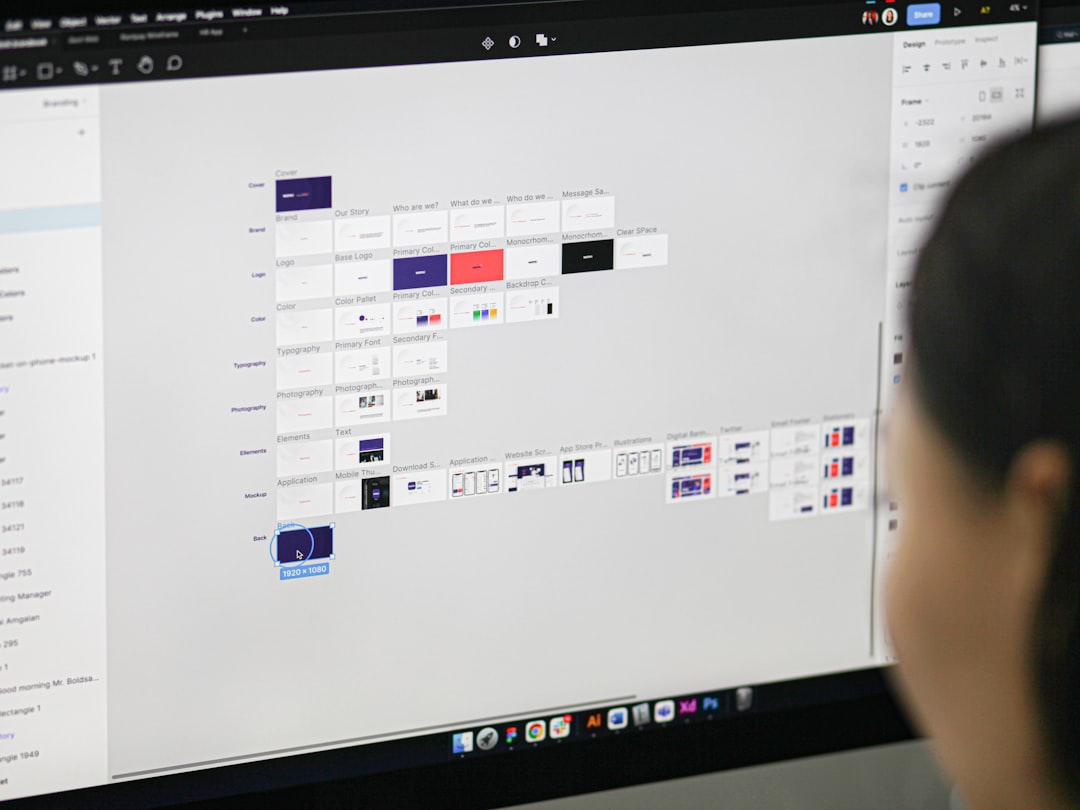
A design system is a collection of reusable components and design guidelines. It includes:
- Colors
- Fonts
- Spacing rules
- UI components
- Usage guidelines
Component library platforms help bring design systems to life.
Instead of having design rules sit in a PDF, you turn them into real, reusable code components.
This keeps design and development aligned.
Micro Frontends and Component Platforms
Modern apps are growing larger. Much larger.
To manage complexity, teams split frontends into smaller parts. This is called micro frontends.
Each team owns a small piece of the UI. But they still need shared components.
That’s where platforms like Bit shine.
They allow:
- Shared UI across independent apps
- Clear ownership of components
- Controlled version updates
This combination gives teams flexibility and structure at the same time.
Versioning: The Hidden Superpower
One of the most powerful features is version control.
Every time a component changes, a new version can be released.
Projects depending on that component can choose:
- Stay on the current version
- Upgrade to the newer version
- Test before upgrading
This prevents sudden breaking changes across multiple products.
It’s controlled evolution instead of chaos.
Documentation and Discoverability
A component is only useful if people know it exists.
Component platforms usually provide:
- Live previews
- Code examples
- Props documentation
- Usage guidelines
New developers can explore the component library visually. They don’t have to dig through random folders.
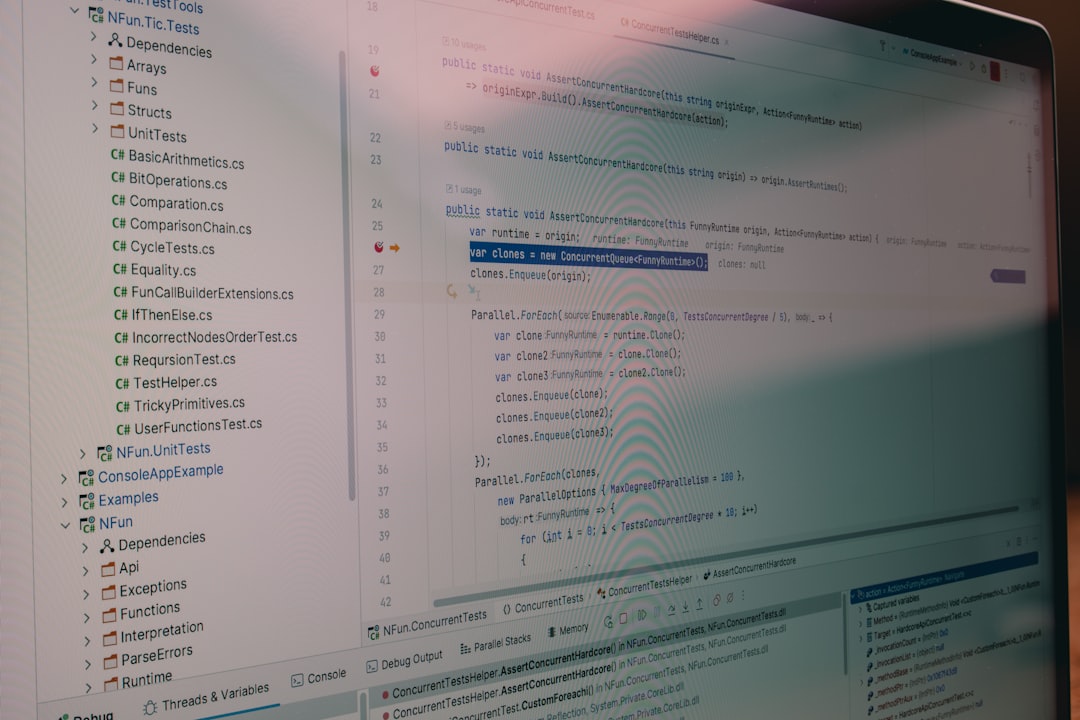
This improves onboarding speed. Especially in larger teams.
Real-World Example
Imagine a company with:
- A marketing website
- A customer dashboard
- An admin panel
- A mobile web app
Without a shared component platform, each product might develop its own UI pieces.
After a year, design drift happens. Buttons look different. Forms behave inconsistently.
Now the company decides to unify everything.
Instead of rewriting each app from scratch, they:
- Extract reusable components
- Publish them to a shared component platform
- Gradually replace old UI pieces
Over time, all products look and behave consistently.
The transition becomes manageable instead of overwhelming.
Are There Any Challenges?
Yes. Like any system, it requires discipline.
Common challenges include:
- Deciding component ownership
- Managing breaking changes
- Avoiding over-engineering
- Keeping documentation updated
The solution is clear processes.
Define:
- Who maintains which components
- How versions are released
- How breaking changes are communicated
When done right, the benefits far outweigh the challenges.
Who Should Use Component Library Platforms?
They are especially useful for:
- Startups scaling fast
- Mid-sized teams building multiple apps
- Enterprises with many frontend developers
- Teams adopting design systems
Even small teams can benefit. It builds good habits early.
The Future of UI Development
Frontend development is moving toward modular thinking.
Instead of building pages, we build systems.
Instead of writing large monolithic apps, we create connected pieces.
Component library platforms support this shift.
They encourage:
- Reusability
- Collaboration
- Scalability
- Maintainability
In short, they help teams think in building blocks.
Final Thoughts
Component library platforms like Bit make UI development smarter.
They turn messy duplication into structured reuse.
They transform isolated components into shared assets.
And they allow teams to scale without losing consistency.
Think of it this way.
Instead of rebuilding the same house every time, you create high-quality bricks. Then you reuse them to build many houses.
Less waste. More speed. Better results.
That’s the power of shared component libraries.

I’m Sophia, a front-end developer with a passion for JavaScript frameworks. I enjoy sharing tips and tricks for modern web development.
