
Twitch chat can sometimes feel like a crowded room where only a handful of people speak while dozens—or even hundreds—quietly observe. For streamers and moderators, understanding who is present but not necessarily chatting can be both intriguing and strategically important. Tools like PotatBotat promise deeper insights into chat activity, viewer lists, and command-based interactions. But how much can it actually reveal, and what are the real limitations?
TL;DR: PotatBotat helps Twitch streamers monitor chat activity, automate commands, and organize viewer interactions, but it cannot truly expose “lurkers” beyond Twitch’s official viewer list. While it can display users currently connected to chat and provide moderation insights, it does not bypass Twitch privacy restrictions. Streamers can use commands and dashboards to better understand engagement, but silent viewers remain largely anonymous. Knowing the limits of Twitch’s API is key to setting realistic expectations.
Understanding Twitch Lurkers
On Twitch, a “lurker” typically refers to a viewer who is watching a stream but not actively participating in chat. Lurking is extremely common and completely normal behavior. Many viewers prefer to enjoy content passively while multitasking.
However, there are two important categories to distinguish:
- Active chat users: Accounts connected to the chat room.
- Video-only viewers: People watching the stream who may not have chat open or connected.
This distinction matters because Twitch does not provide public access to a complete list of all video viewers. Tools like PotatBotat can only interact with data that Twitch makes available through its API. That means any promise of “seeing every lurker” should be treated with caution.
What Is PotatBotat?
PotatBotat is a Twitch chat bot designed to assist streamers with moderation, engagement, and analytics-style insights. Like other chat bots, it connects directly to Twitch chat and can:
- Track users present in chat
- Execute custom commands
- Moderate messages automatically
- Provide activity-based responses
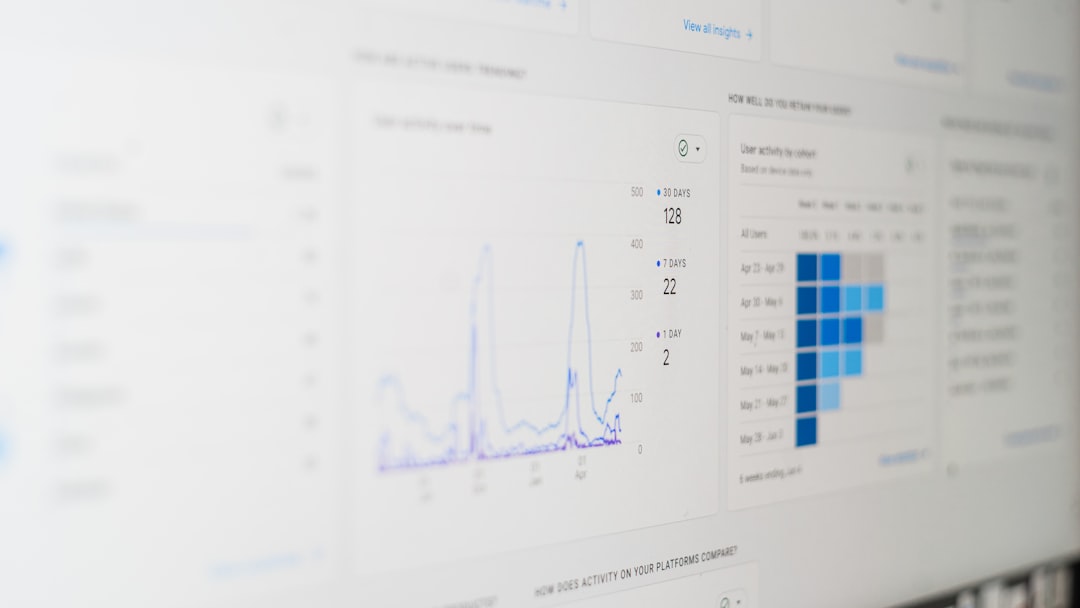
- Display user engagement patterns
While it cannot break Twitch’s privacy rules, it can help streamers interpret available chat data more effectively.
How Viewer Lists Work on Twitch
Every Twitch chat room has access to a viewer list, which can be opened within the chat interface. This list shows accounts currently connected to the chat. Typically, it includes:
- Broadcaster
- Moderators
- VIPs
- Verified bots
- Regular viewers connected to chat
PotatBotat works within this structure. It can read and process the same user presence data available in the chat connection.
Important Limitation
The viewer list does not equal total stream viewers. Someone can watch the stream without joining chat, meaning they will not appear in any bot-generated list.
Using PotatBotat to See Who’s in Chat
PotatBotat can assist streamers in identifying chat-connected users through automated commands and dashboard displays.
1. Chat Presence Commands
Many PotatBotat setups include commands such as:
- !viewers – Displays currently connected chat users
- !active – Shows recently active participants
- !lurkcheck – Identifies users who have not spoken recently (if configured)
These commands do not expose hidden viewers but rather organize data from the active chat connection.
2. Tracking Activity vs. Silence
One of PotatBotat’s most useful features is distinguishing between:
- Recently active chatters
- Inactive yet connected accounts
For example, if 50 users are connected but only 10 have spoken in the last 10 minutes, the remaining 40 can reasonably be described as “lurking” in chat. This still does not mean they are definitely watching the stream; they may simply have chat open.
3. Role-Based Sorting
PotatBotat can also categorize users by roles:
- Moderators
- Subscribers
- VIP members
- Bots
- Regular viewers
This helps streamers ensure bots are not mistaken for real lurkers and vice versa.
Commands That Encourage Lurker Engagement
Instead of trying to “expose” lurkers, many streamers use PotatBotat to gently encourage engagement.
Lurk Acknowledgment Commands
Viewers often type !lurk when they plan to watch silently. PotatBotat can respond with a supportive message, such as:
- “Thanks for lurking, enjoy the stream!”
- “Appreciate the support, see you when you’re back!”
This helps normalize lurking as positive behavior rather than suspicious activity.
Return Commands
A !unlurk command can welcome viewers back when they return to chat. Over time, these small interactions build stronger community bonds.
Dashboard and Analytics Features
Depending on how PotatBotat is configured, streamers may access:
- Chat connection logs
- User join and leave timestamps
- Message frequency stats
- Engagement heat maps

These features provide insight into patterns, such as peak engagement times or viewers who regularly lurk without chatting.
What PotatBotat Cannot Do
To avoid misinformation, it is essential to understand the hard technical limits.
1. It Cannot See Hidden Video Viewers
Twitch does not allow bots to access the full list of people watching a stream. Only Twitch itself has that data.
2. It Cannot Reveal Anonymous Users
If someone watches a stream without logging in, no bot can identify them.
3. It Cannot Access Private Data
IP addresses, geographic location beyond public account info, and background activity are off-limits.
4. Viewer Lists Are Not Always Accurate
Some accounts may remain connected in chat despite leaving the stream open in another tab. Conversely, some viewers may disappear from the chat list even while watching.
Common Misconceptions About “Lurker Detection”
- Myth: A bot can reveal secret viewers.
Reality: Twitch API restrictions prevent this. - Myth: All viewers must appear in the viewer list.
Reality: Only chat-connected accounts appear. - Myth: Lurking is negative behavior.
Reality: Most streams rely heavily on silent supporters.
Best Practices for Handling Lurkers
Experienced streamers approach lurking strategically rather than suspiciously.
- Respect privacy. Avoid calling out specific inactive users.
- Encourage but don’t pressure chat participation.
- Use commands for opt-in interaction.
- Focus on content quality, not silent metrics alone.
Lurkers contribute to view count, channel growth, and algorithm visibility—even if they never send a message.
When Viewer Lists Matter Most
There are situations where using PotatBotat’s chat presence tracking becomes particularly valuable:
- Moderation: Identifying suspicious bot accounts.
- Raid preparation: Estimating active community size.
- Community games: Counting interactive participants.
- Subscriber recognition: Ensuring VIPs are acknowledged.
In these contexts, chat visibility is more about management than exposure.
Balancing Curiosity and Community Trust
While it is natural to wonder who is watching silently, aggressively hunting lurkers can damage trust. A stream thrives on comfort and inclusivity. PotatBotat works best as a community management tool, not a surveillance system.
Understanding its abilities—and limitations—prevents unrealistic expectations and helps streamers focus on what truly matters: delivering compelling content.
Frequently Asked Questions (FAQ)
1. Can PotatBotat show everyone watching my Twitch stream?
No. It can only show users connected to chat. Twitch does not provide bots access to a complete list of video-only viewers.
2. Why does my viewer count not match my chat list?
Viewer count includes people watching without joining chat. The chat list only shows connected chat accounts.
3. Can I see who is lurking but not typing?
You can see which accounts are connected but inactive in chat. However, you cannot confirm whether they are actively watching the stream.
4. Is it against Twitch rules to track lurkers?
Using approved tools like PotatBotat within Twitch’s API guidelines is allowed. Attempting to bypass Twitch privacy safeguards would violate terms of service.
5. Are bots included in the viewer list?
Yes. Verified and known bots often appear in chat lists. PotatBotat may categorize or filter them depending on configuration.
6. Can anonymous viewers be identified?
No. If someone watches without logging in, neither Twitch nor any chat bot can identify them publicly.
7. Does calling out lurkers improve engagement?
Generally, no. Most experts recommend allowing lurkers to remain comfortable and using opt-in engagement strategies instead.
8. What is the best way to use PotatBotat for growth?
Focus on automation, moderation, analytics, and encouraging voluntary engagement rather than trying to expose silent viewers.
Ultimately, PotatBotat is a powerful assistant—but not an all-seeing tool. Understanding where its capabilities end helps streamers build healthier, more respectful Twitch communities.

I’m Sophia, a front-end developer with a passion for JavaScript frameworks. I enjoy sharing tips and tricks for modern web development.
