
Ethernet cables have been the backbone of wired networking for decades, and Category 5 (Cat5) Ethernet cable remains one of the most widely recognized standards. While newer cable types like Cat5e and Cat6 have largely replaced it in new installations, millions of homes and offices still use Cat5 infrastructure. Understanding the maximum bandwidth of Cat5 Ethernet cable—both theoretical and real-world—helps users determine whether their existing setup can handle modern internet speeds and data demands.
TLDR: Cat5 Ethernet cable is rated for a maximum theoretical bandwidth of 100 Mbps at 100 MHz over distances up to 100 meters. In real-world conditions, speeds are often slightly lower due to interference, cable quality, and installation factors. While sufficient for basic internet use and small networks, Cat5 is largely outdated compared to Cat5e and Cat6. Users with high-speed internet or heavy data demands should consider upgrading.
Understanding Cat5 Ethernet Cable
Cat5, short for Category 5, is a twisted-pair cable standard developed to support Ethernet networks. It was introduced in the 1990s and quickly became the standard for home and business networking. Cat5 cables consist of four twisted pairs of copper wires, designed to reduce electromagnetic interference and crosstalk between pairs.
The cable operates at a frequency of up to 100 MHz, which directly influences its maximum bandwidth capabilities. It was originally designed to support:
- 10BASE-T (10 Mbps Ethernet)
- 100BASE-TX (100 Mbps Fast Ethernet)
Unlike newer standards, Cat5 was not originally certified for Gigabit Ethernet, though some setups may achieve it under ideal conditions.
Theoretical Maximum Bandwidth of Cat5
The theoretical maximum bandwidth of Cat5 Ethernet cable is:
- 100 Mbps (Megabits per second)
- 100 MHz frequency rating
- Maximum distance of 100 meters (328 feet)
This means that under laboratory conditions—with perfect installation, minimal interference, and high-quality connectors—a Cat5 cable should reliably transmit data at 100 Mbps over distances up to 100 meters.
In theory, that bandwidth is sufficient for:
- HD video streaming
- Online gaming
- Video conferencing
- Standard office networking tasks
However, theoretical limits rarely reflect everyday performance.
Real-World Speeds: What Users Actually Get
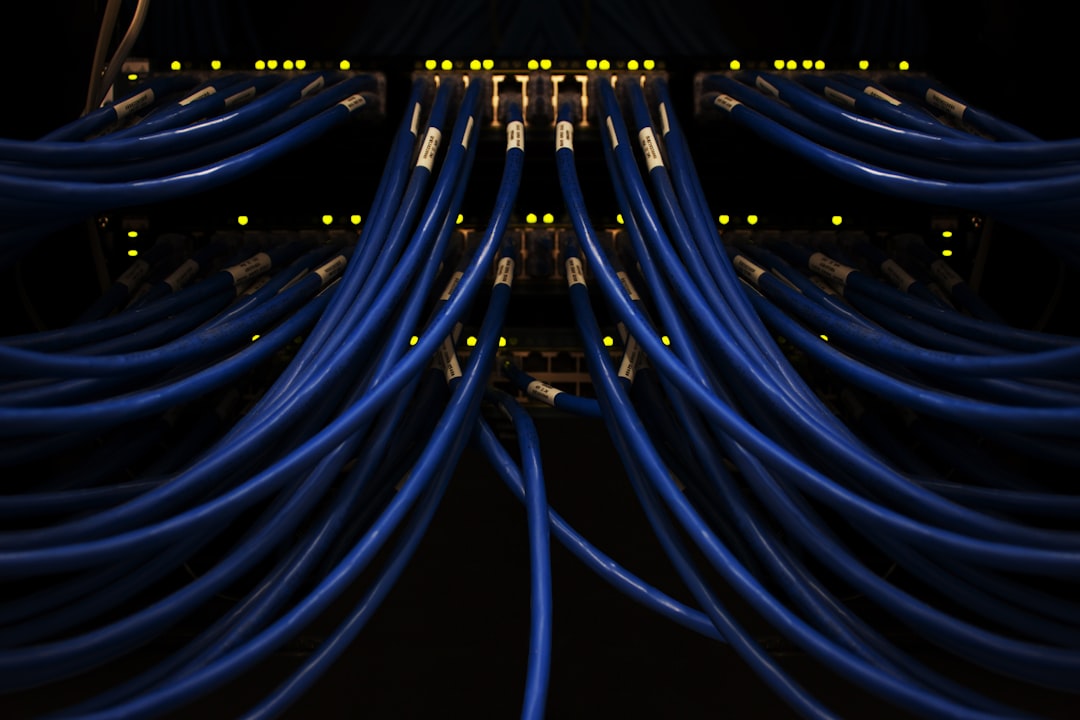
In real-world environments, several factors can reduce Cat5 performance. While many installations achieve close to 100 Mbps, real speeds often range between 70–95 Mbps.
The difference between theoretical and actual speeds stems from:
- Signal degradation over distance
- Electromagnetic interference (EMI)
- Poor terminations or connectors
- Bends, kinks, or cable damage
- Network congestion and hardware limitations
For example, if a Cat5 cable runs near power lines or fluorescent lighting, it may pick up interference that reduces transmission efficiency. Similarly, cables approaching the full 100-meter limit may see slight speed drops due to signal attenuation.
Another important consideration is network hardware. Even if the cable can handle 100 Mbps, older switches and routers may limit throughput further.
Can Cat5 Support Gigabit Speeds?
Officially, Cat5 is not rated for Gigabit Ethernet (1000BASE-T). Gigabit networking requires a bandwidth of 1000 Mbps and improved crosstalk mitigation, which is why Cat5e (enhanced Category 5) was introduced.
However, in some short-distance scenarios—usually under 30–40 meters—high-quality Cat5 cables may successfully negotiate Gigabit connections. This is not guaranteed and depends heavily on:
- Cable manufacturing quality
- Installation method
- Environmental interference
- Network equipment compatibility
Even when a Gigabit link is established, stability may be inconsistent. For mission-critical systems or high-speed internet plans exceeding 100 Mbps, upgrading to at least Cat5e is strongly recommended.
Distance and Its Impact on Bandwidth
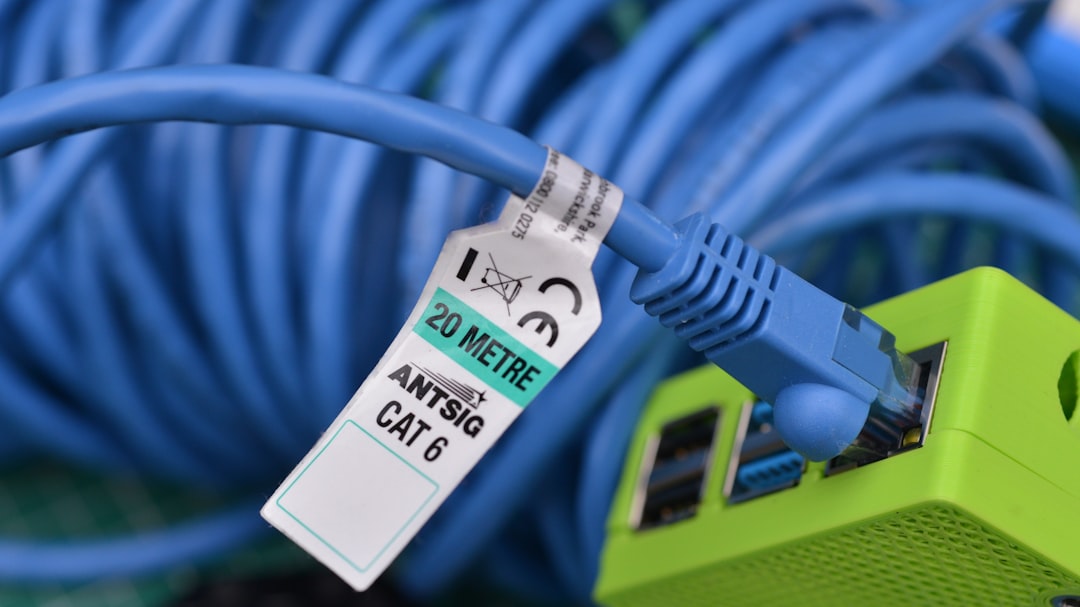
Distance plays a crucial role in Ethernet performance. The 100-meter maximum for Cat5 includes:
- 90 meters of solid horizontal cabling
- 10 meters of patch cables combined
As the cable approaches this limit, signal attenuation increases. Beyond 100 meters, connections may become unstable or fail entirely. Unlike fiber optic cables, copper Ethernet cables are more susceptible to gradual signal loss.
Shorter cable runs typically yield better real-world speeds. For instance:
- Under 20 meters: Near 100 Mbps performance is common.
- 50–80 meters: Minor reductions may occur.
- Near 100 meters: Speeds may fluctuate slightly.
This explains why some users report excellent performance with older Cat5 installations in small homes or apartments.
Cat5 vs Cat5e vs Cat6
Understanding Cat5’s bandwidth also requires comparison with newer standards:
- Cat5: 100 Mbps, 100 MHz
- Cat5e: 1 Gbps, 100 MHz (enhanced performance)
- Cat6: 1 Gbps up to 100 meters, 10 Gbps up to 55 meters, 250 MHz
The key upgrade from Cat5 to Cat5e was improved resistance to crosstalk. While both operate at 100 MHz, Cat5e’s tighter specifications allow it to support Gigabit Ethernet reliably.
Cat6 further increases frequency capacity and adds better internal insulation, dramatically improving high-speed performance.
For homes with internet speeds above 100 Mbps—now common with fiber connections—Cat5 may become a bottleneck.
Common Bottlenecks in Cat5 Networks
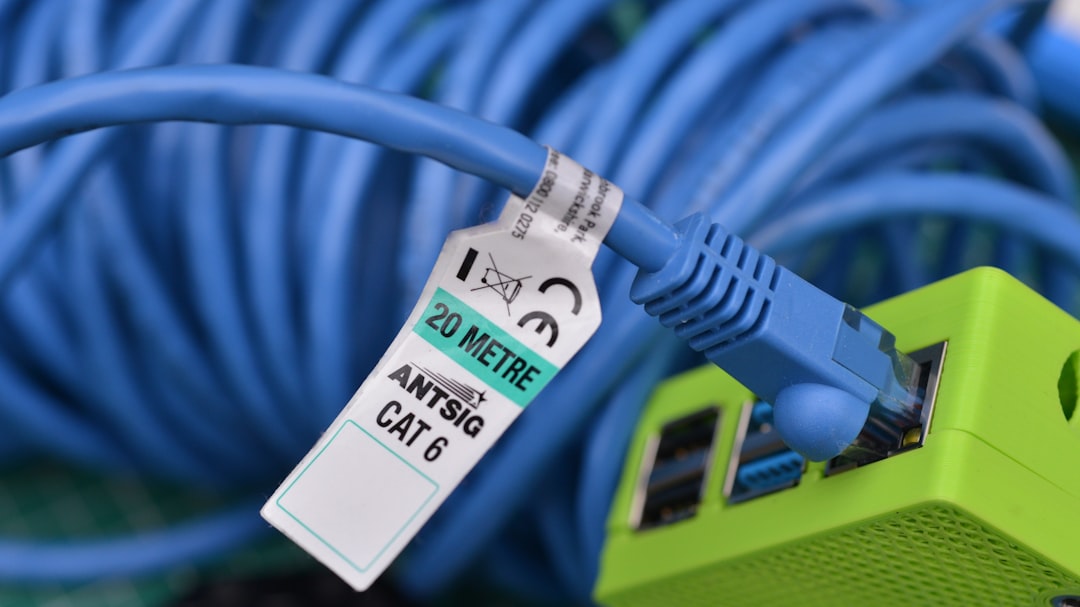
Users troubleshooting slow network speeds often blame their internet provider when the issue may lie in aging infrastructure. Common Cat5-related bottlenecks include:
- Outdated 10/100 switches
- Old routers lacking Gigabit ports
- Improperly crimped RJ45 connectors
- Physical cable degradation over time
Copper oxidation, repeated bending, or environmental stress can subtly degrade cable performance over years of use.
It is also worth noting that internet service speeds are measured in megabits per second, while file transfers are often displayed in megabytes per second. A 100 Mbps Cat5 connection translates to a theoretical maximum of 12.5 MB/s in file transfer speed—and real-world performance will be slightly lower due to overhead.
Is Cat5 Still Good Enough Today?
Whether Cat5 remains “good enough” depends largely on usage patterns. It can still be adequate for:
- Internet plans under 100 Mbps
- Basic browsing and streaming
- Small office networks without heavy data loads
- Legacy systems
However, it may struggle with:
- Gigabit internet plans
- Large file transfers
- Network-attached storage systems
- High-resolution media production workflows
In many cases, upgrading to Cat5e or Cat6 provides a cost-effective performance boost and future-proofs the network for years.
Conclusion
The maximum bandwidth of Cat5 Ethernet cable is 100 Mbps at 100 MHz over distances up to 100 meters. While many installations still perform close to that limit, real-world speeds often fall slightly below theoretical maximums due to interference, distance, and hardware constraints.
Though largely replaced by Cat5e and Cat6, Cat5 remains functional for modest networking needs. However, as internet speeds and data requirements continue to grow, its limitations become increasingly apparent. Users evaluating older network infrastructure should carefully compare current demands against Cat5’s practical ceiling before deciding whether to upgrade.
FAQ
1. What is the maximum speed of Cat5 Ethernet cable?
Cat5 Ethernet cable supports a maximum theoretical speed of 100 Mbps over distances up to 100 meters.
2. Can Cat5 handle Gigabit internet?
Officially, no. Cat5 is not rated for Gigabit (1000 Mbps), though it may work over short distances in ideal conditions. For reliable Gigabit speeds, Cat5e or higher is recommended.
3. How far can Cat5 cable run without losing speed?
Cat5 can run up to 100 meters (328 feet). Closer to this limit, minor speed reductions may occur due to signal attenuation.
4. Is Cat5 outdated?
Yes, for modern high-speed networks. While still usable for 100 Mbps connections, it has largely been replaced by Cat5e and Cat6.
5. What affects real-world Cat5 speeds?
Real-world speeds can be affected by cable length, interference, connector quality, network hardware, and environmental conditions.
6. Should old Cat5 be replaced?
If a network requires speeds above 100 Mbps or improved reliability, upgrading to Cat5e or Cat6 is generally advisable.

I’m Sophia, a front-end developer with a passion for JavaScript frameworks. I enjoy sharing tips and tricks for modern web development.
