
So your Surface Laptop trackpad popped out. Yikes. It can look scary. It may even feel like your laptop is falling apart. But don’t panic. In most cases, this problem can be fixed. And sometimes, it is easier than you think.
TLDR: A popped-out Surface Laptop trackpad is usually caused by a swollen battery, loose clips, or internal pressure. First, power off your device and do not press the trackpad back in blindly. Check for battery swelling, as this is the most common and serious cause. If it is just loose, you may be able to reseat it, but if the battery is swollen, stop using the laptop and get it repaired immediately.
Why Did the Trackpad Pop Out?
Your Surface Laptop trackpad is designed to sit flush with the palm rest. It should feel smooth and solid. If it rises, clicks unevenly, or sticks out on one side, something underneath is pushing or pulling it.
Here are the most common causes:
- Swollen battery (most common and most serious)
- Broken or loose internal clips
- Warped chassis
- Physical damage from drops
- Poor previous repair job
Let’s go through them one by one.
1. Swollen Battery (The Big One)
This is the number one reason a Surface trackpad pops out.
Lithium batteries can swell over time. Heat, age, and heavy usage make it worse. When the battery expands, it pushes upward. And guess what sits above it? The trackpad.
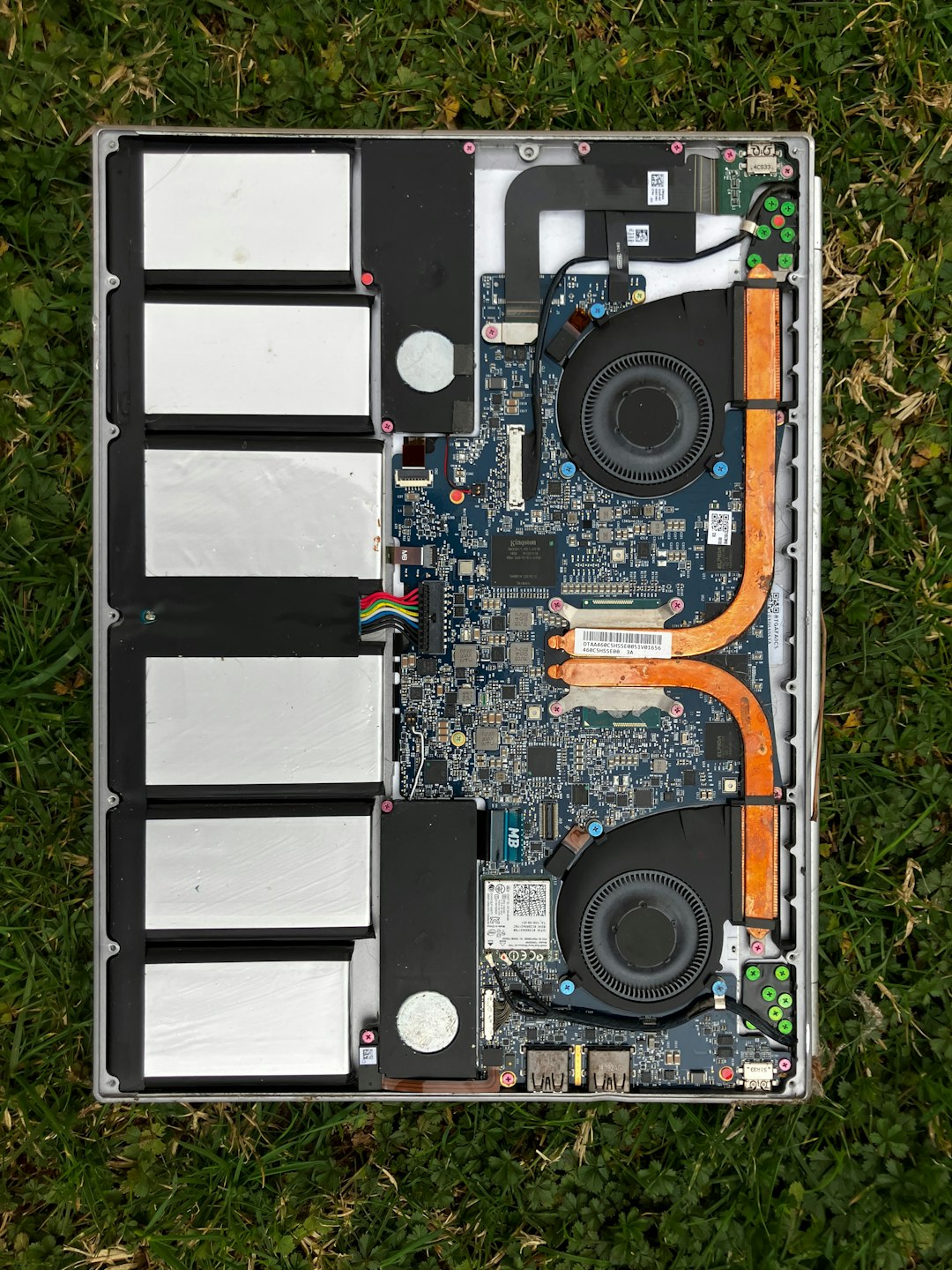
Warning signs of a swollen battery:
- Trackpad bulging from underneath
- Keyboard lifting slightly
- Laptop not sitting flat on table
- Battery draining fast
- Laptop overheating
If you notice any of these, stop using the laptop immediately.
Do not try to press the trackpad back in. That will only add pressure to the battery. A swollen battery can leak or even catch fire in extreme cases.
Important: Battery swelling is not a cosmetic issue. It is a safety issue.
2. Loose or Broken Trackpad Clips
If there is no swelling, the issue may be mechanical.
The trackpad is held in place by small brackets and screws. If your laptop was dropped, bumped hard, or opened before, these clips may have loosened.
Signs it’s just a loose trackpad:
- No signs of battery bulging
- Only one corner lifted
- Click still works normally
- No overheating
This is less serious. But you will still need to open the laptop to fix it properly.
3. Warped or Bent Chassis
Surface Laptops are thin. Very thin.
If the aluminum body bends, even slightly, internal parts can shift. That can make the trackpad look like it popped out.
This usually happens after:
- Sitting on the laptop
- Carrying it in a stuffed backpack
- Dropping it
In this case, the fix is more complicated. The frame may need replacement.
What You Should Do First
Before grabbing tools, do this:
- Shut down the laptop.
- Unplug it from power.
- Do not press on the trackpad.
- Look for bulging signs.
Place the laptop on a completely flat surface. Look from the side. Is the bottom panel separating? Is the keyboard lifting?
If yes, it is most likely the battery.
Can You Fix It Yourself?
The honest answer: It depends.
Surface Laptops are not the easiest devices to open. They are glued and tightly assembled.
If It’s a Swollen Battery
This repair involves:
- Removing the top cover
- Disconnecting delicate ribbon cables
- Safely removing an adhesive battery
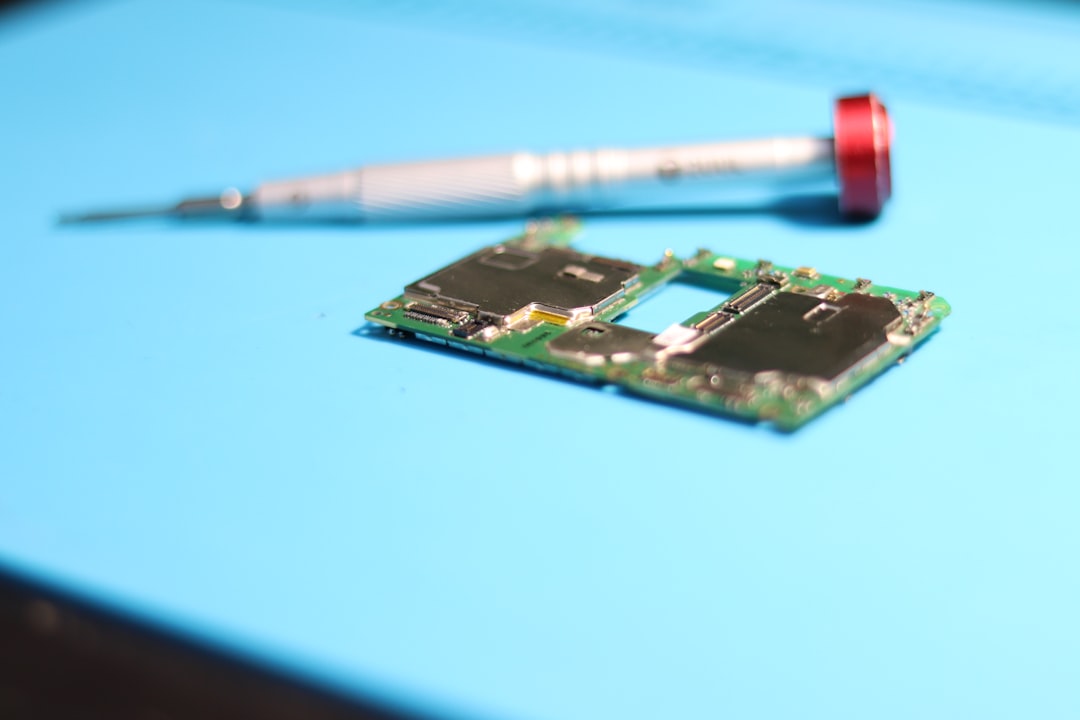
If you have never repaired a laptop before, this is not a good beginner project.
Best choice: Take it to a certified repair shop or contact Microsoft support.
Battery replacement is the correct fix. Not pressing things back in.
If It’s a Loose Trackpad
This repair involves:
- Opening the device carefully
- Tightening screws
- Reseating the trackpad assembly
If no parts are broken, this can fully solve the issue.
But again, opening a Surface Laptop requires patience. And the right tools.
Tools You May Need
If you decide to attempt a repair, you will need:
- Precision screwdriver set
- Plastic spudger tool
- Heat source (for adhesive softening)
- Anti static wrist strap
Do not use metal knives or screwdrivers to pry open the device. That can damage the casing or short components.
Step by Step Overview (General Idea Only)
Every Surface model is slightly different. But the general process looks like this:
- Power off the laptop.
- Heat edges gently to loosen adhesive.
- Carefully lift the top assembly.
- Disconnect the battery first.
- Inspect for swelling.
- Check trackpad brackets and screws.
If the battery is swollen, do not puncture it. Do not bend it. Remove it slowly and carefully.
If it looks normal, examine the trackpad frame.
How Much Does Repair Cost?
Here’s a rough idea:
- Battery replacement: $150–$300
- Trackpad reseating: $80–$150
- Full top case replacement: $300+
Prices vary by model and region. Newer Surface models cost more to repair.
Can You Prevent This in the Future?
Yes. Especially if the problem was battery swelling.
Here are some prevention tips:
- Avoid constant 100% charging.
- Keep laptop cool.
- Do not block vents.
- Avoid leaving it in hot cars.
- Use official chargers.
Heat is the main enemy of lithium batteries.
If your trackpad popped due to impact, consider:
- Using a padded laptop sleeve
- Not overstuffing backpacks
- Keeping liquids away
When to Stop and Call a Professional
You should stop immediately if:
- You see battery bulging
- You smell chemicals
- The laptop feels hot while off
- The screen is separating from the body
These are serious warning signs.
Do not charge the device. Do not continue using it. Store it in a cool place and seek repair.
Is It Safe to Keep Using It?
If the trackpad popped slightly but everything works, you might feel tempted to ignore it.
That is risky.
If it is battery-related, pressure will increase over time. The trackpad will lift more. The keyboard may rise next.
Fixing it early prevents costly damage.
Common Questions
Can I just glue the trackpad back in?
No. This does not fix the root problem. It may make things worse.
Will Microsoft replace it for free?
If under warranty, possibly yes. If not, there will likely be a repair fee.
Does this mean my laptop is ruined?
Not at all. Most trackpad pop issues are fully repairable.
Final Thoughts
A popped-out Surface Laptop trackpad looks dramatic. But it is often a symptom. Not the actual problem.
In most cases, the real cause is a swollen battery. And that is something you should never ignore.
Act quickly. Inspect carefully. Do not press it back into place just to make it look better.
If you feel unsure, let a professional handle it. A safe repair today is better than a dangerous situation tomorrow.
Your Surface Laptop is a sleek machine. With the right fix, it can be solid and smooth again. And your trackpad will click like new.

I’m Sophia, a front-end developer with a passion for JavaScript frameworks. I enjoy sharing tips and tricks for modern web development.
