
As artificial intelligence (AI) continues to evolve, its ability to augment group learning and streamline collaboration has become increasingly evident. Whether for high school projects, university study groups, or remote team research, AI tools can reduce friction, boost productivity, and create more engaging shared learning environments.
TLDR:
AI tools for group study and collaboration have transformed the way students and teams share notes, assign tasks, and brainstorm ideas. Platforms like Notion, ChatGPT, and Google Docs with AI integrations offer seamless ways to enhance communication and learning. These tools reduce time spent on administrative tasks and allow groups to focus on understanding and innovation. With AI-powered transcription, summarization, task automation, and more, collaborative learning has never been more effective or efficient.
Best AI Tools for Group Study, Collaboration & Shared Notes
Here’s a curated list of top AI-powered platforms and tools designed to make group study more efficient and engaging:
1. Notion AI
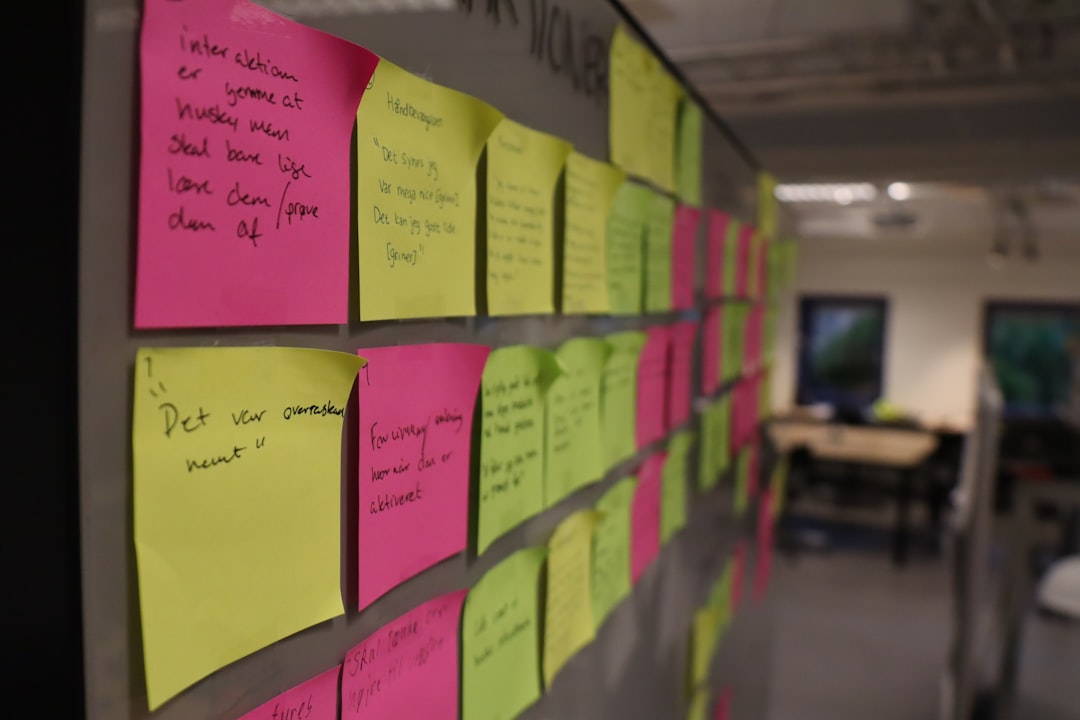
Notion is a favorite among students and teams for its flexible workspace features. The integration of Notion AI takes productivity up a notch. Users can write, summarize, brainstorm, and organize notes seamlessly with AI suggestions. It’s ideal for group study sessions, as members can collaborate in real-time on shared knowledge bases, to-do lists, and project plans.
- AI features: Autocomplete, summarization, writing assistance
- Best for: Study groups that require documentation, planning, and brainstorming
2. Google Docs with AI Extensions
Google Docs is a staple for document collaboration, and with the addition of AI extensions and features like Google Duet AI, it’s even more powerful.
- AI features: Grammar and style suggestions, content summarization, smart replies
- Collaboration: Real-time editing, version control, comment threads
- Bonus: Integrates with Google Meet for face-to-face virtual study sessions
This setup makes it easy for students to co-author papers, assign sections to peers, and track contributions over time.
3. ChatGPT for Brainstorming and Explanation
OpenAI’s ChatGPT has become one of the most used tools for understanding complex topics, brainstorming ideas, and even coding assistance when needed.
- Uses: Clarify difficult concepts, generate essay outlines, simulate study partner
- Collaboration tip: Group members can feed ChatGPT questions during discussions to dive deeper into topics or summarize collective thoughts
Using ChatGPT in group settings can act as a neutral third party to resolve debates, suggest new angles, or reinvigorate stalled projects.
4. Slack with Chatbot Integrations
Slack is renowned for remote team communication, but it’s increasingly used for academic group projects, particularly in hybrid or online programs. By integrating AI bots like ChatGPT for Slack or Polly (for polls), teams can automate administrative tasks and enhance discussions.
- AI functionality: Auto-summarize meeting notes, schedule reminders, moderate threads
- Best use case: Distributed study groups coordinating across locations
5. Otter.ai for Meeting & Lecture Transcription
Group members often struggle to keep up with note-taking during fast-paced discussions or lectures. Otter.ai solves this with real-time transcription and searchable transcripts.
- Features: Record audio, auto-generate notes, highlight key moments
- AI functionality: Speaker identification, summarization of meeting highlights
It’s ideal for reviewing large volumes of content collectively and ensuring that all members stay on the same page.
6. Miro with AI-powered Templates
For visual learners and team brainstorming, Miro is an interactive whiteboard tool made even better with AI template suggestions and smart layouts.
- AI features: Auto-arranged mind maps, topic clustering, idea expansion
- Use case: Class presentations, project planning, group ideation sessions
Its real-time collaboration allows peers to contribute visuals or annotations simultaneously, fostering a creative and participative study environment.
7. Obsidian with Smart Plugins
For those who like a more technical or Markdown-based note environment, Obsidian offers productivity plugins, some powered by AI models. Students can use it to create interconnected notes and knowledge maps, which helps with syncing concepts across disciplines.
- AI Tools: GPT plugins for summaries, auto-tagging
- Best for: Research-heavy group collaboration and building long-term study vaults
8. Fireflies.ai for Conversational Intelligence
Fireflies.ai offers more than just transcription—it’s about capturing the essence of conversations and extracting actionable insights. Perfect for team meetings or study reviews, it integrates well with Zoom and Google Meet.
- Features: Auto-tag conversations, create action items, shared transcripts
- Ideal for: Study teams preparing for exams or coordinating coursework
Choosing the Right Mix of AI Tools
Selecting the best tools depends on the study group’s learning style and collaboration needs. Visual learners may benefit from Miro, while research-focused teams might turn to Obsidian and Notion. Regardless of choice, combining one or two of these tools can significantly reduce busywork and increase the group’s overall understanding and efficiency.
Best Practices for Using AI in Group Study
- Establish clear roles: Assign note-takers, AI operators, and discussion leads.
- Create a central hub: Use Notion or Google Docs to keep all documents, links, and summaries organized.
- Record sessions: Use Otter.ai or Fireflies.ai to make sure nothing gets lost.
- Use AI responsibly: Let AI assist, not replace critical thinking and real collaboration.
Final Thoughts
AI is rapidly changing the way students study and teams collaborate. When used correctly, these tools do more than automate—they empower. Group study no longer has to be disjointed or inefficient. With the right balance of AI-enhanced tools and human insight, learning becomes a co-creative and deeply engaging process.
FAQ
- What is the best AI tool for real-time collaboration?
- Notion and Google Docs both support real-time editing while integrating AI features. Notion is more flexible for complex planning while Google Docs is ideal for document editing.
- Can these AI tools integrate with video conferencing apps?
- Yes, platforms like Otter.ai and Fireflies.ai integrate with Zoom, Google Meet, and Microsoft Teams to transcribe and summarize video meetings.
- Are these tools free to use?
- Many tools offer free versions with limitations. For example, ChatGPT and Notion AI have free plans, but advanced features may require a subscription.
- Can I use AI to generate study notes from lectures?
- Absolutely. Tools like Otter.ai and Fireflies.ai can convert spoken lectures into searchable and sharable notes.
- Is using AI for studying considered cheating?
- No, as long as it’s used for understanding, summarizing, and collaborating rather than plagiarizing or replacing original work. It should supplement human learning, not substitute it.

I’m Sophia, a front-end developer with a passion for JavaScript frameworks. I enjoy sharing tips and tricks for modern web development.
